moreflow logo black font

Changelog

What's new? A rundown of the latest moreflow feature releases, product enhancements, and important updates.

Enhancement

AI Usage in Euros with Flexible Top-Ups

AI usage is now shown and billed in euros instead of rounded-up credits, so you see exactly what is included in your plan and what counts as extra. Top up any amount you like, pick auto top-up amounts from presets or a custom value, and preview your next invoice on the invoices tab.

You can also set a monthly budget for work Flow does on its own, and autonomous tasks stop once that budget is reached.
AI Assists for Notes and Client Fields
Feature

AI Assists for Notes and Client Fields

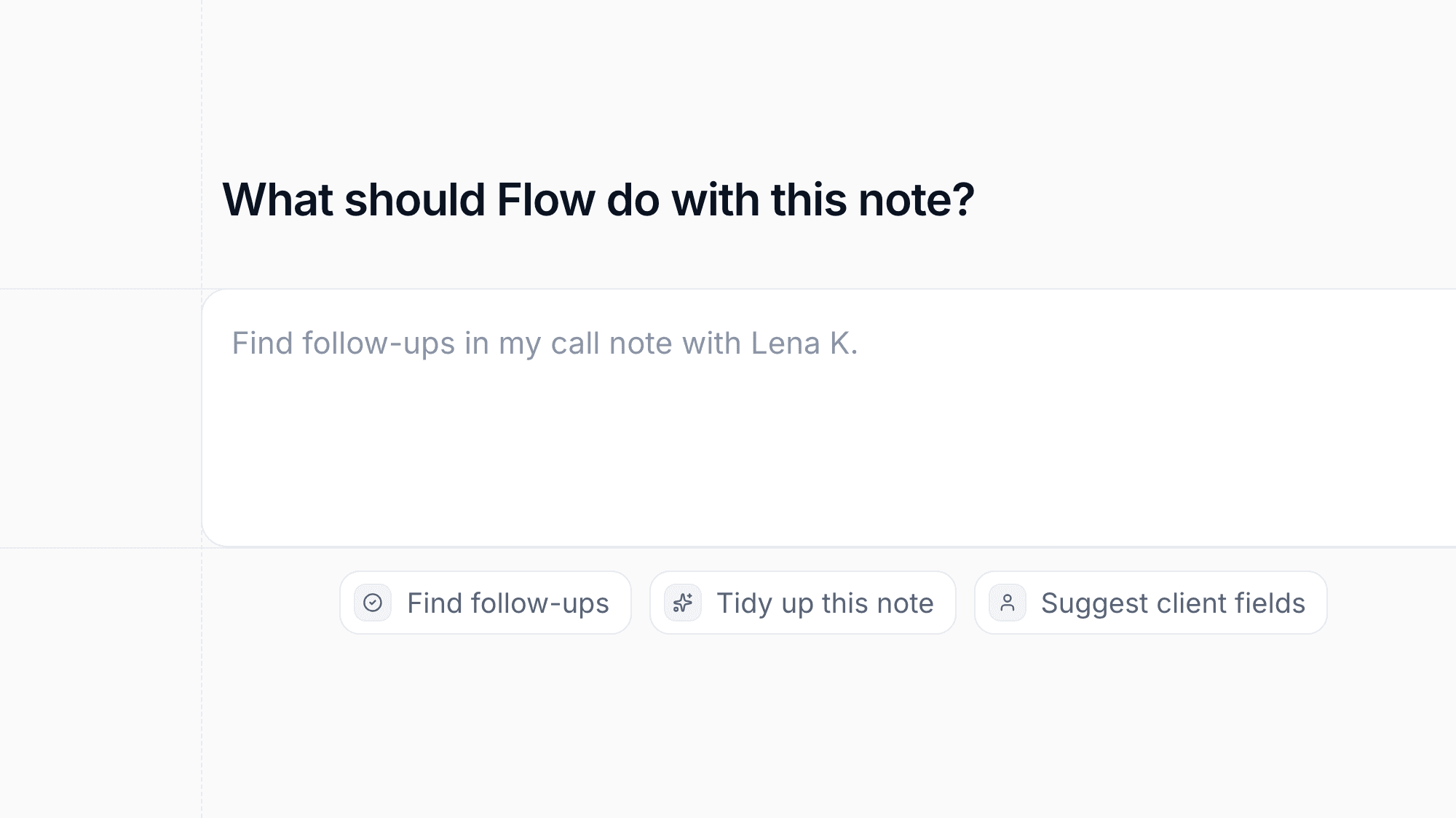
moreflow can now spot follow-ups in a note and let you review them before they are created. You can also preview a tidied version of a note that keeps every fact intact and apply it with one click.
When new emails or messages arrive, moreflow suggests updates to client fields such as a birth date, always showing the source so you can decide.

Connect Your Microsoft Mailbox
Feature

Connect Your Microsoft Mailbox

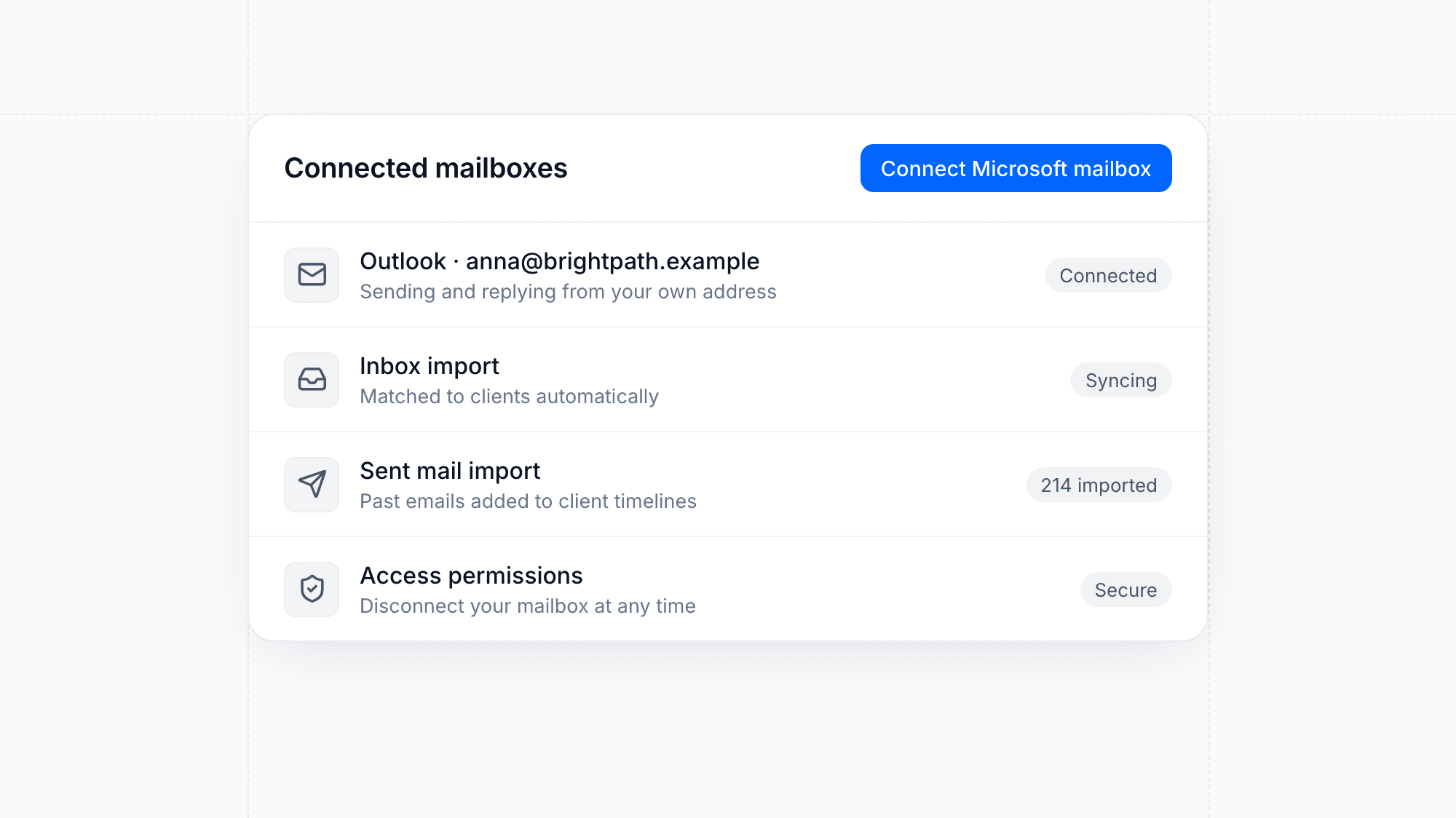
Connect your Microsoft or Outlook mailbox to moreflow. Your inbox and sent mail are imported to the right clients, and you can send emails and replies from moreflow through your own address.

TikTok Ads Integration
Feature

TikTok Ads Integration

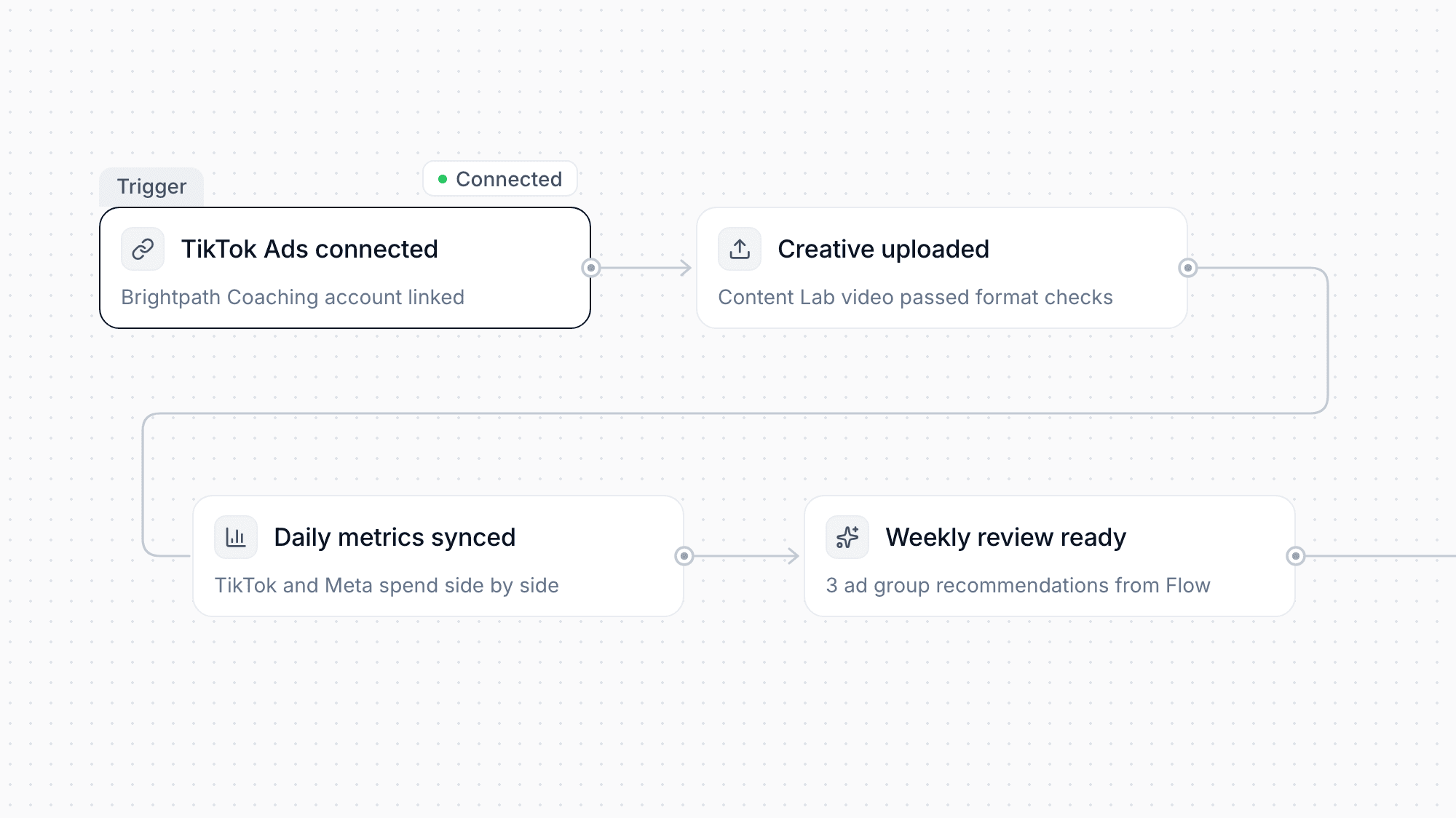
Connect your TikTok Ads account on the web or in the mobile app. Upload Content Lab creatives with automatic format checks, see daily ad metrics next to Meta, and get recommendations for your ad groups in the weekly review.

Enhancement

More Notifications for Key Events

moreflow now notifies you about more of what matters: new form submissions, overdue invoices, mentions in notes, refunds, meeting and offer updates, finished imports, team invites, and approaching usage limits. Tapping a notification in the mobile app takes you straight to the right place.

Enhancement

Queue, Stop, and Steer Flow While It Works

You no longer have to wait for Flow to finish before sending your next message. Queue follow-ups, stop a running answer, or steer it in a new direction, on the web and in the mobile app.

Several chats can now run at the same time, and the sidebar shows which ones are active. When you rate an answer with thumbs down, you can pick a reason.

Design

Redesigned Client Page with an Overview Tab

The client page now opens on an overview that brings the essentials together: an AI summary of the lead's history, overdue follow-ups, contracts, and installment plans. Notes open in a panel docked bottom-right, so you can write while you keep browsing the client.

The contract history is now a readable timeline. The mobile app gets the same structure, with tabs for notes, messages, and files.

Live Dictation in Every Composer
Feature

Live Dictation in Every Composer

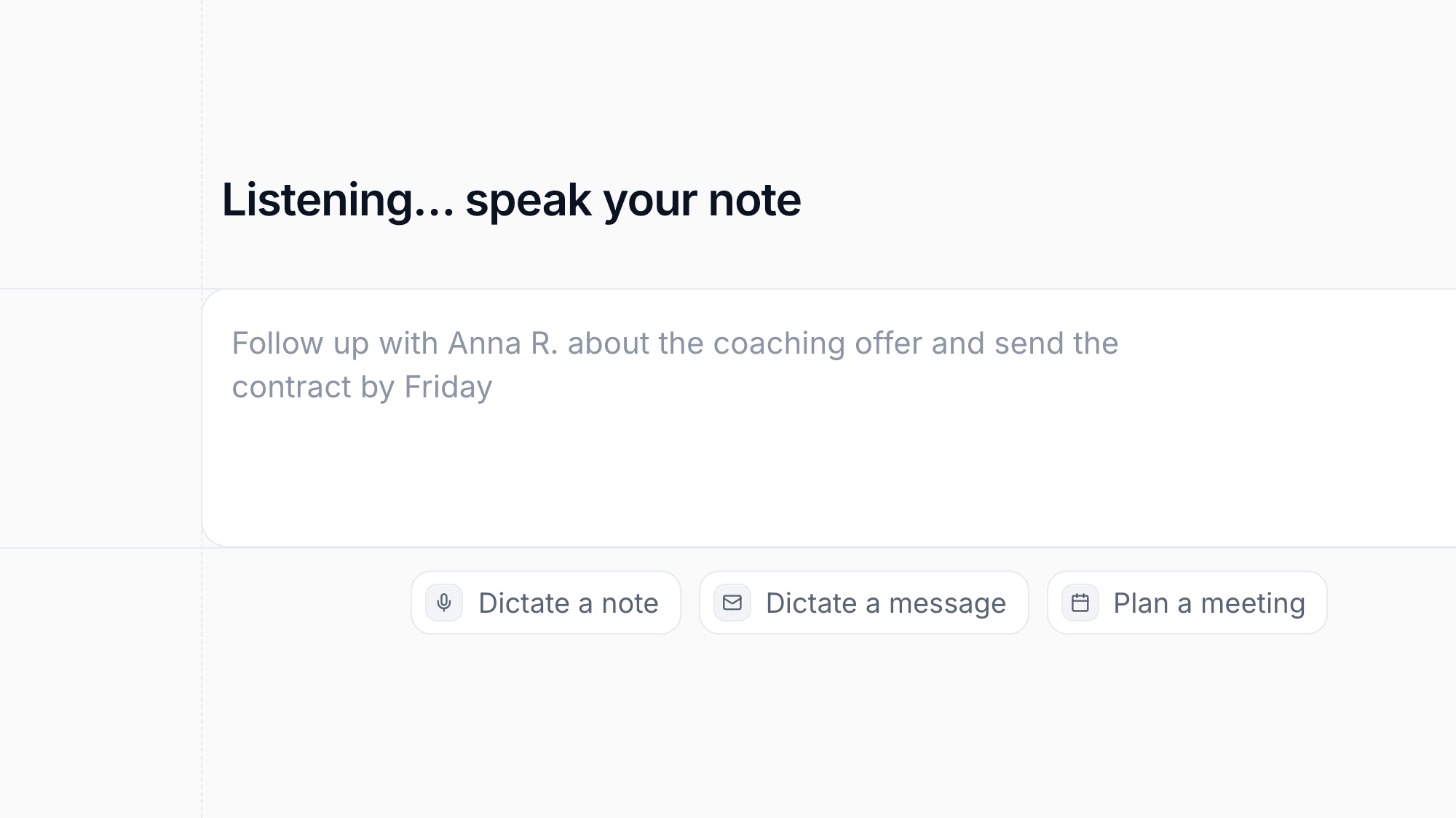
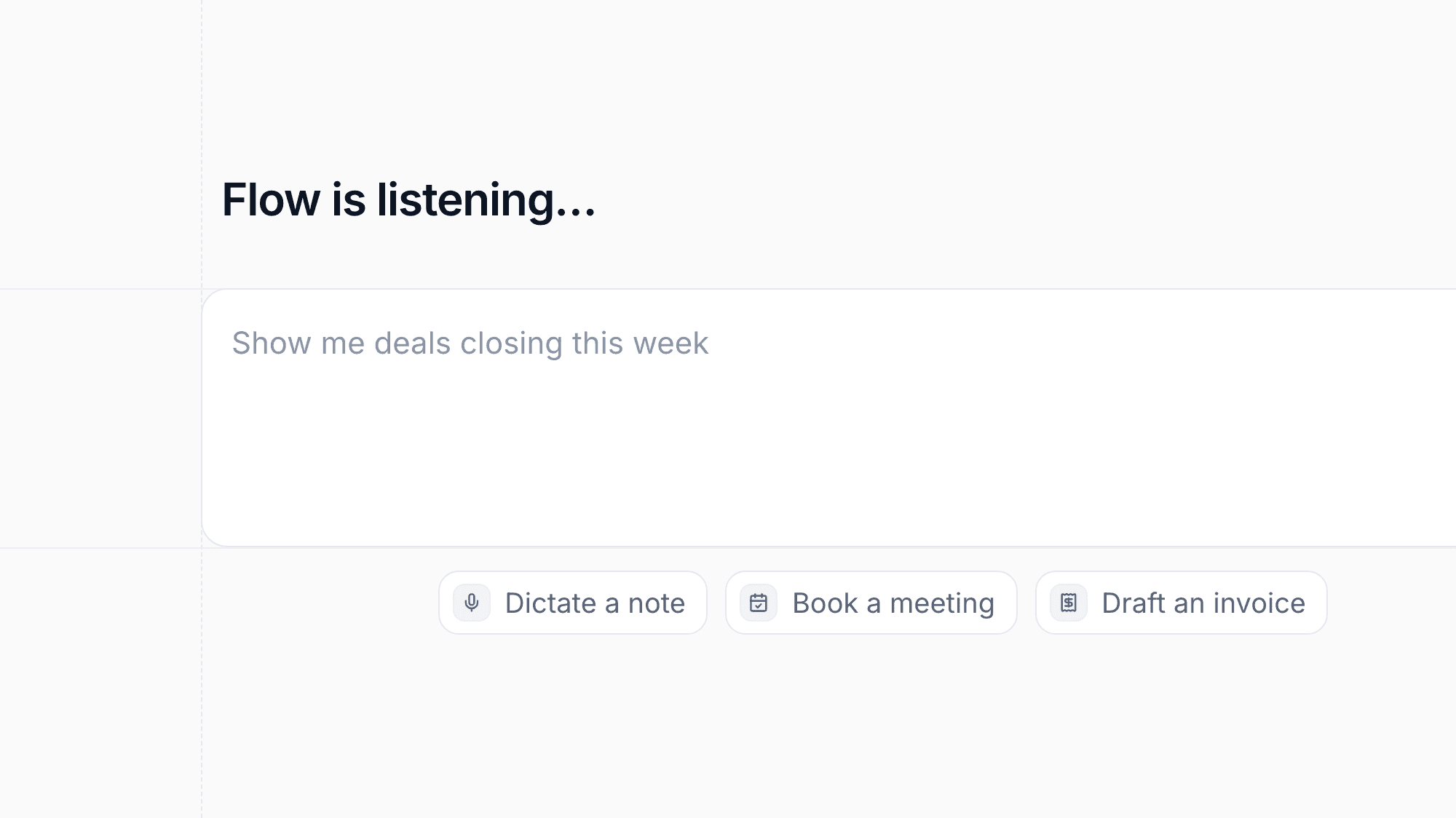
Dictate notes and messages instead of typing them, on the web and in the mobile app. Your words appear live as you speak, with a clear status showing when moreflow is connecting and listening.

Multiple Emails and Phone Numbers per Client
Feature

Multiple Emails and Phone Numbers per Client

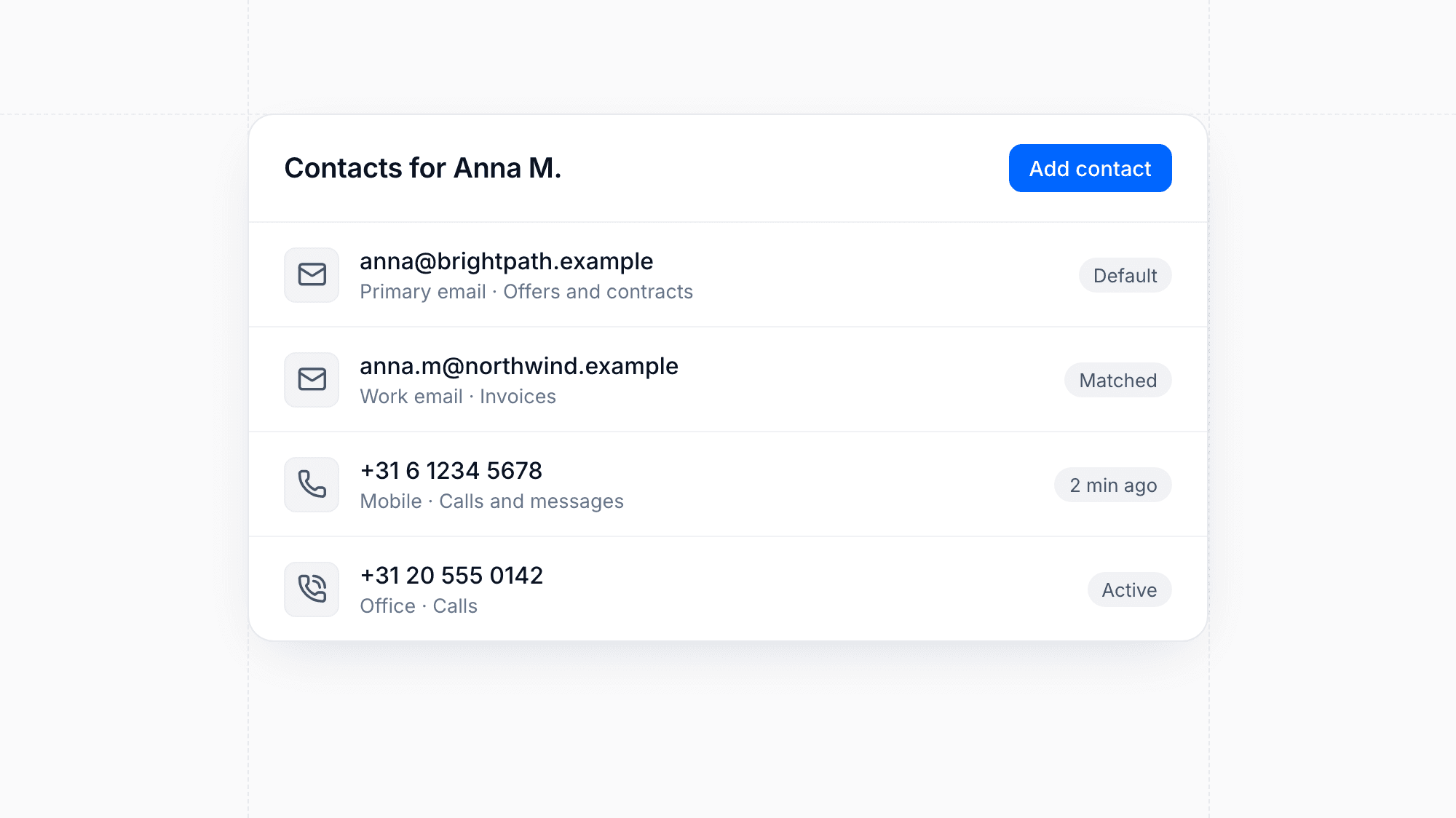
Store several email addresses and phone numbers for one client. Incoming messages are matched to the right client no matter which address or number they come from.

When you send an email, offer, or contract, you choose which contact to send it to.

Recover Deleted Clients from the Trash
Feature

Recover Deleted Clients from the Trash

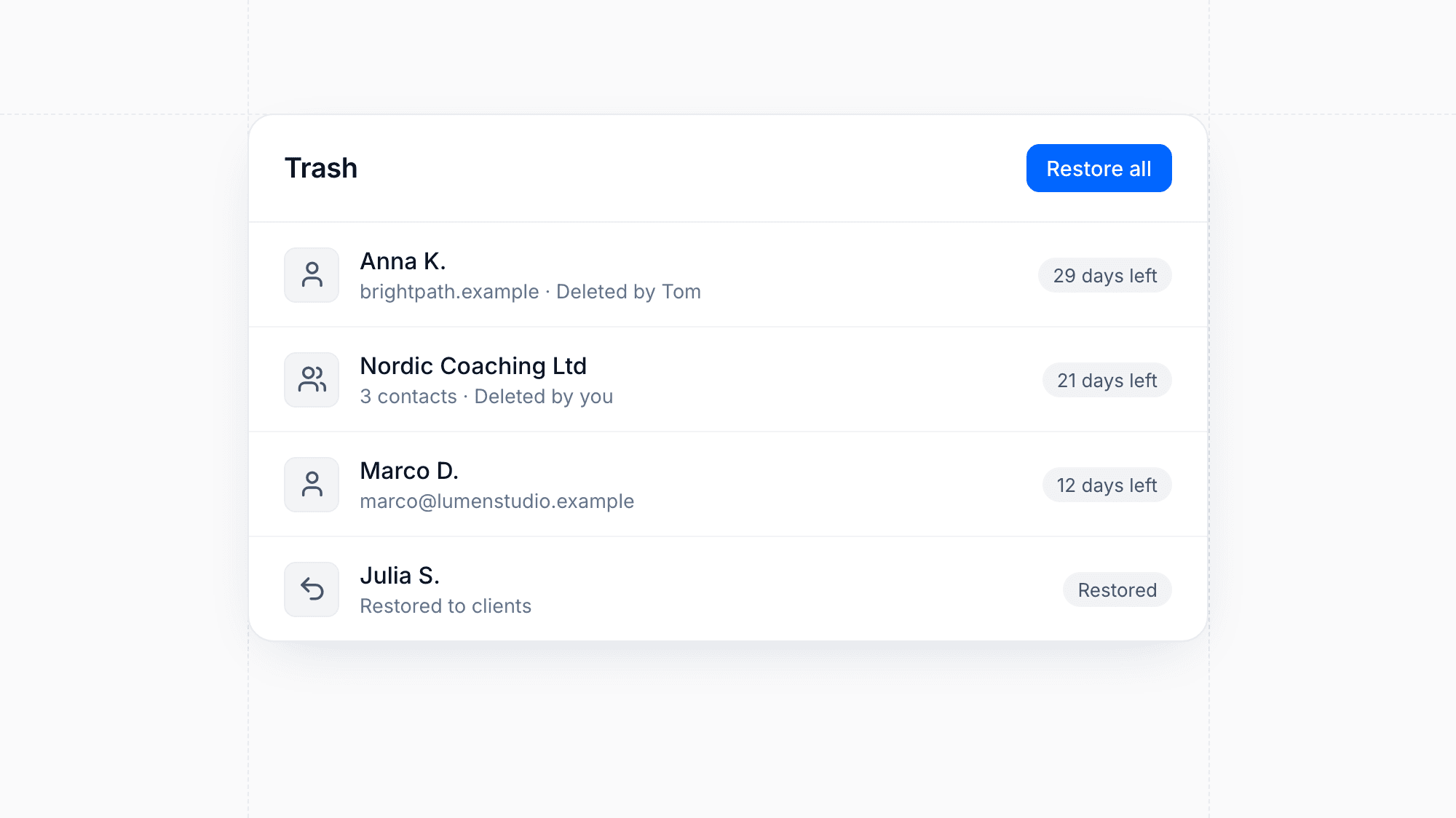
Deleted clients now move to a trash where they stay for 30 days. You can restore them at any time during that period or delete them permanently right away, on the web and in the mobile app.

Enhancement

Faster Transactions Overview with Filters and Export

The transactions overview has been rebuilt with a calmer layout, filters that work across all your data, an invoice date range that can span several years, and CSV export. Your filters are kept in the address, so you can bookmark or share a view. The dashboard now also shows a scrollable list of transactions from the last seven days.

Enhancement

Reworked Meeting Booking Dialog

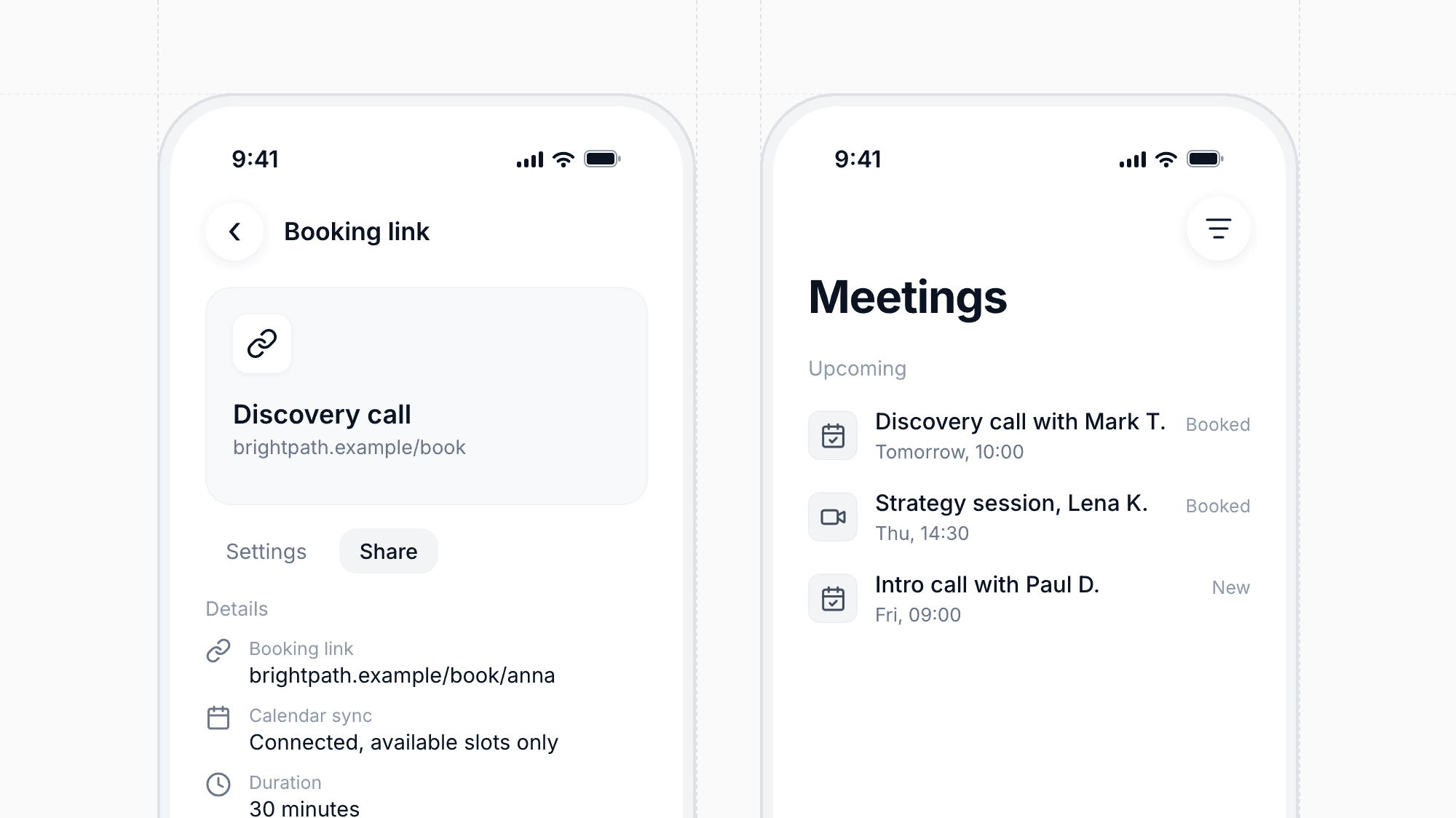
Booking a meeting from moreflow is quicker. The dialog opens at your working hours, can jump to the next free slot, and respects your booking rules and timezone. If there is a problem with your connected calendar, you see it right in the dialog along with a way to reconnect, and calendar settings now show the real connection status.

SEO Workspace with Google and AI Visibility Tracking
Feature

SEO Workspace with Google and AI Visibility Tracking

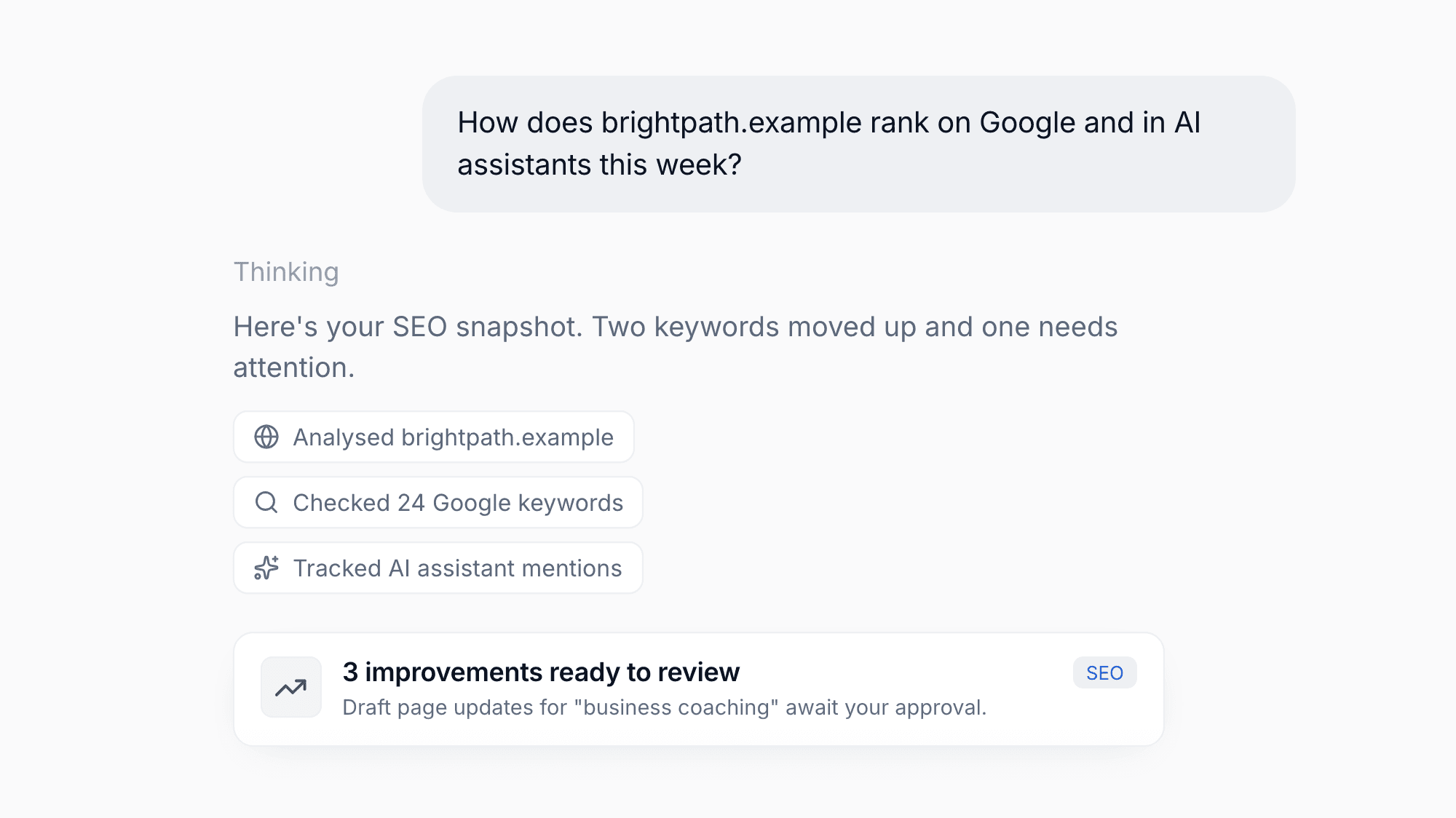
A new SEO area in the Marketing section shows how your website performs in Google search and in AI assistants side by side. Start with your website, get analysed keyword suggestions, and run your first check with one click. Connect Google Search Console to bring in real search data.

Trends, a keyword detail view and clear improvement suggestions help you decide what to work on next, and Flow can monitor your rankings and draft improvements for your approval.

Void External Payments
Feature

Void External Payments

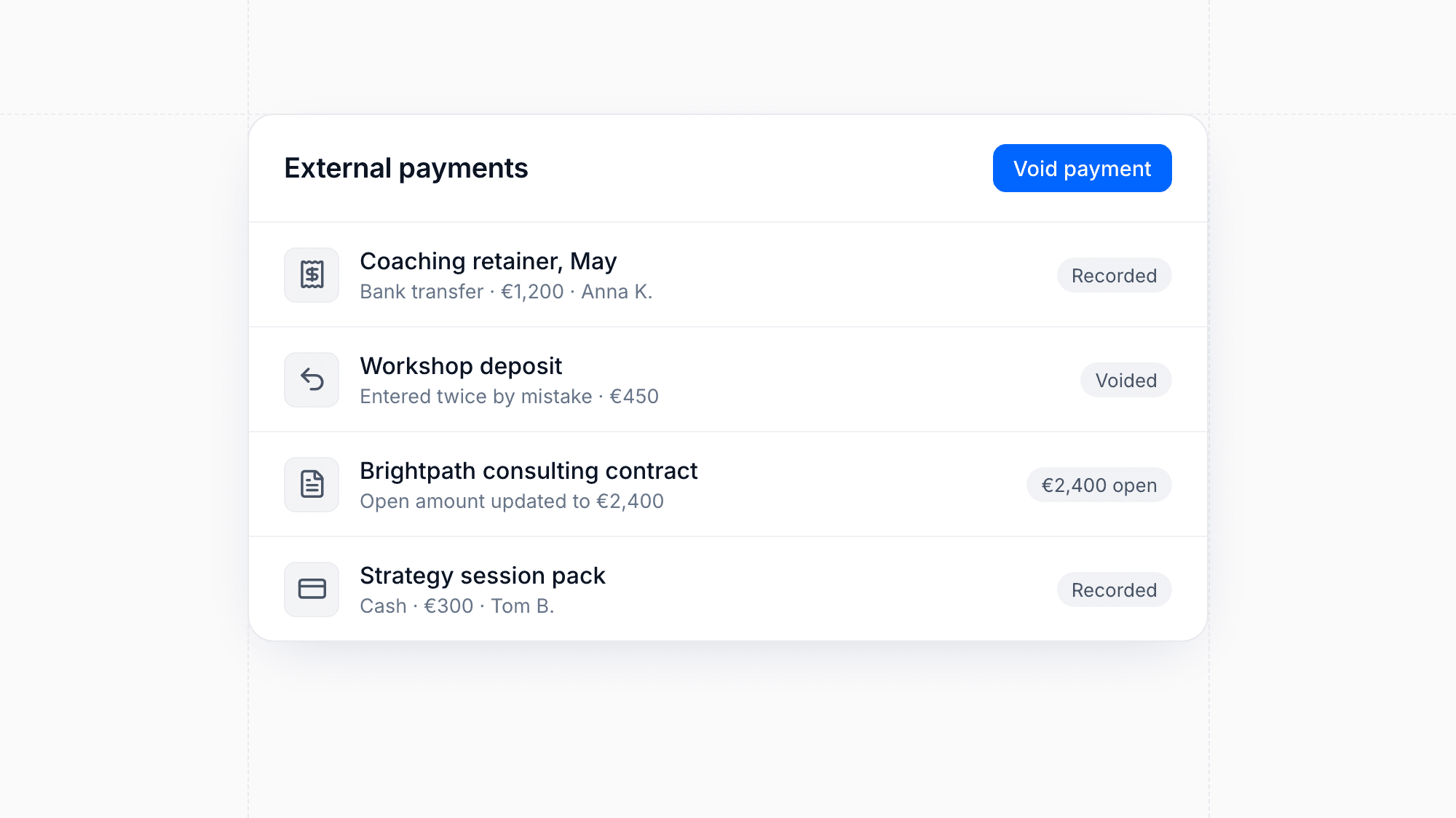
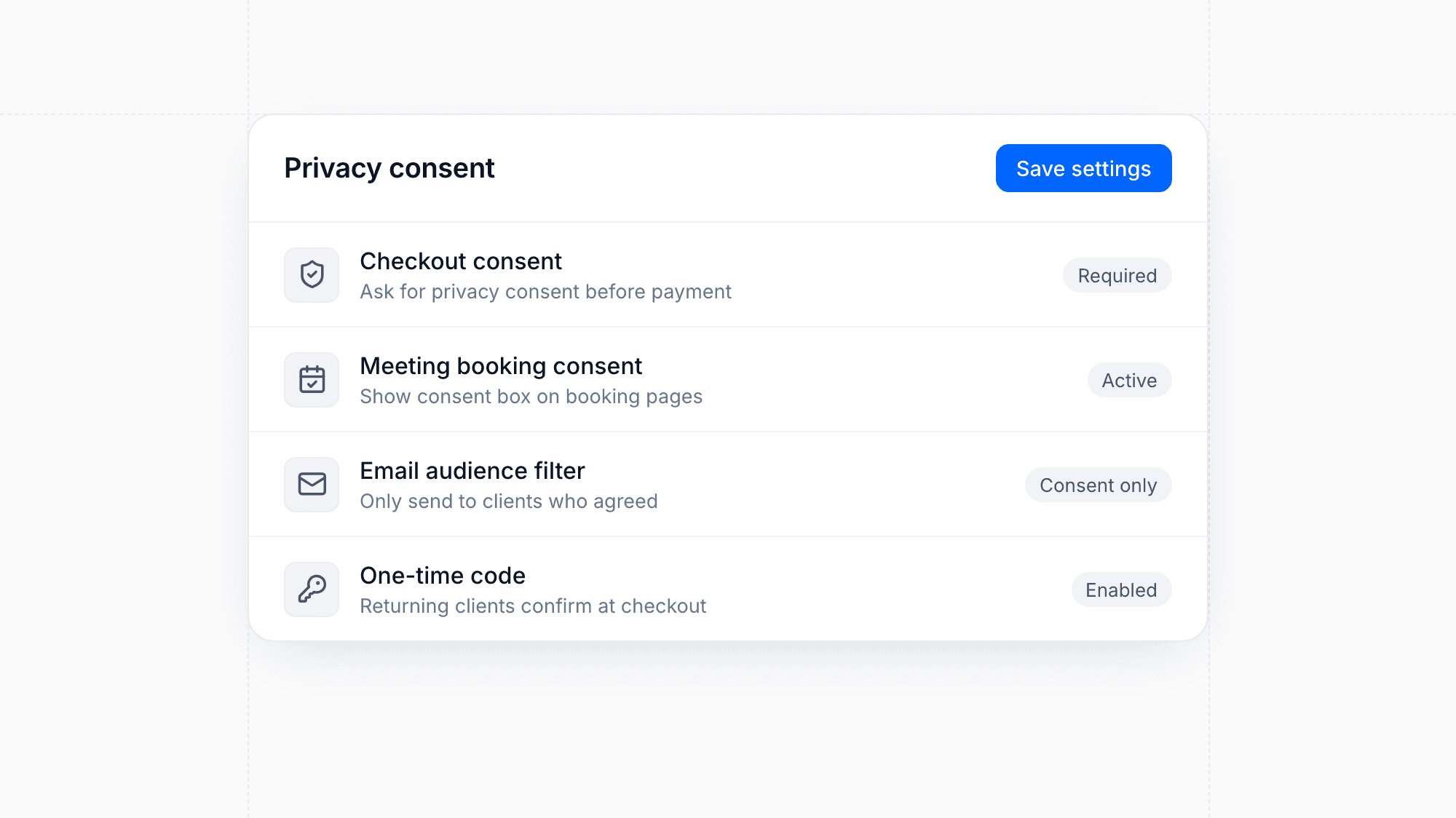
If an externally recorded payment was entered by mistake, you can now void it from the contract, the client menu or the mobile app instead of leaving a wrong record behind. Choose a reason and add an optional note, or correct the amount directly. Voided payments are removed from the payment plan and open amounts update accordingly.
Bring Your Data with Import Receipts and Undo
Feature

Bring Your Data with Import Receipts and Undo

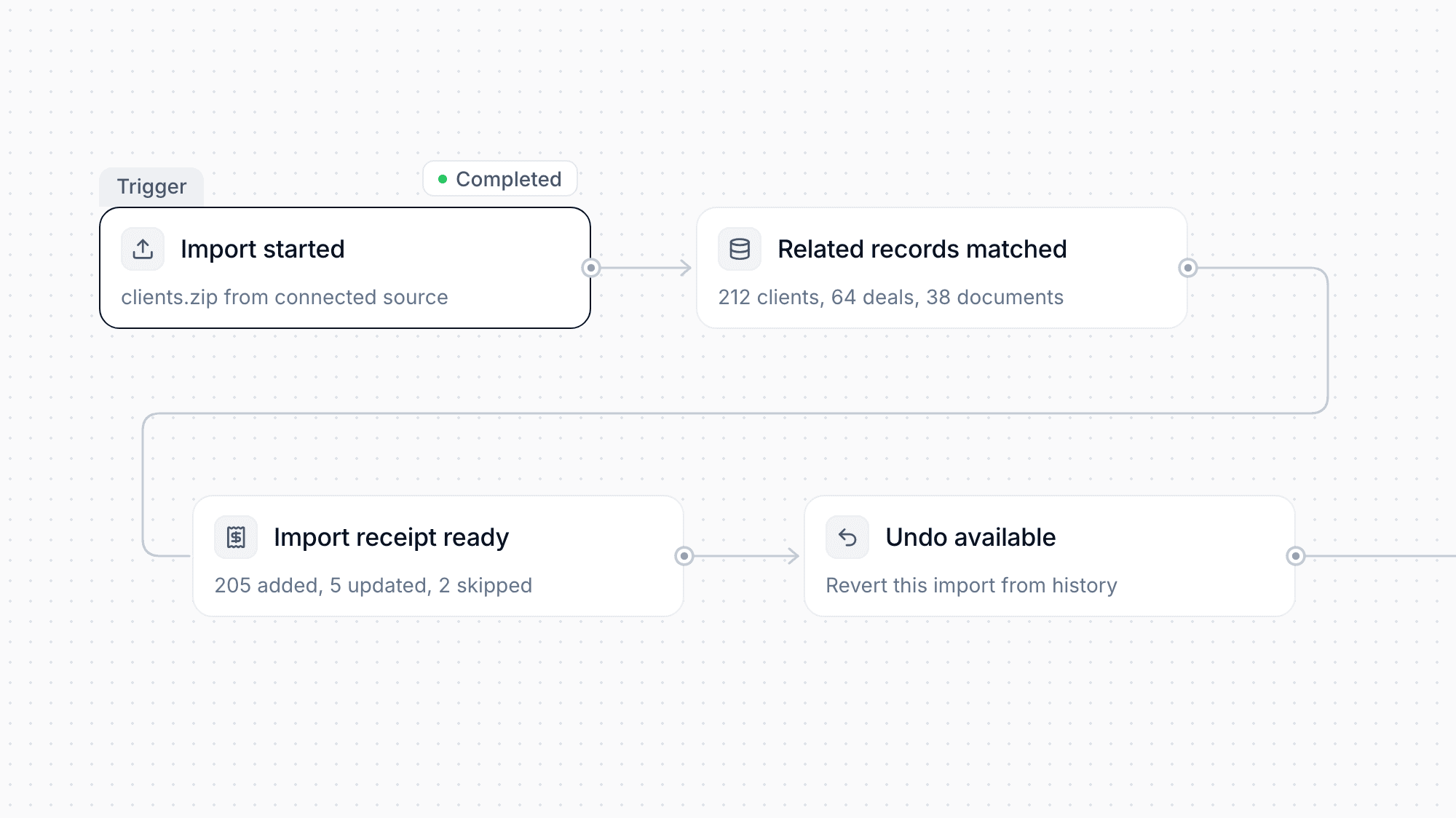
Moving to moreflow is easier: the import wizard now brings in related CRM records and client documents from connected sources or a ZIP file. After each import you get a receipt showing what happened to every row, a history of past imports, and the option to undo an import entirely.

New accounts see a Bring your data step at the start of setup, and owners can export their clients as CSV or request a full account export at any time.

Sign in with Google
Feature

Sign in with Google

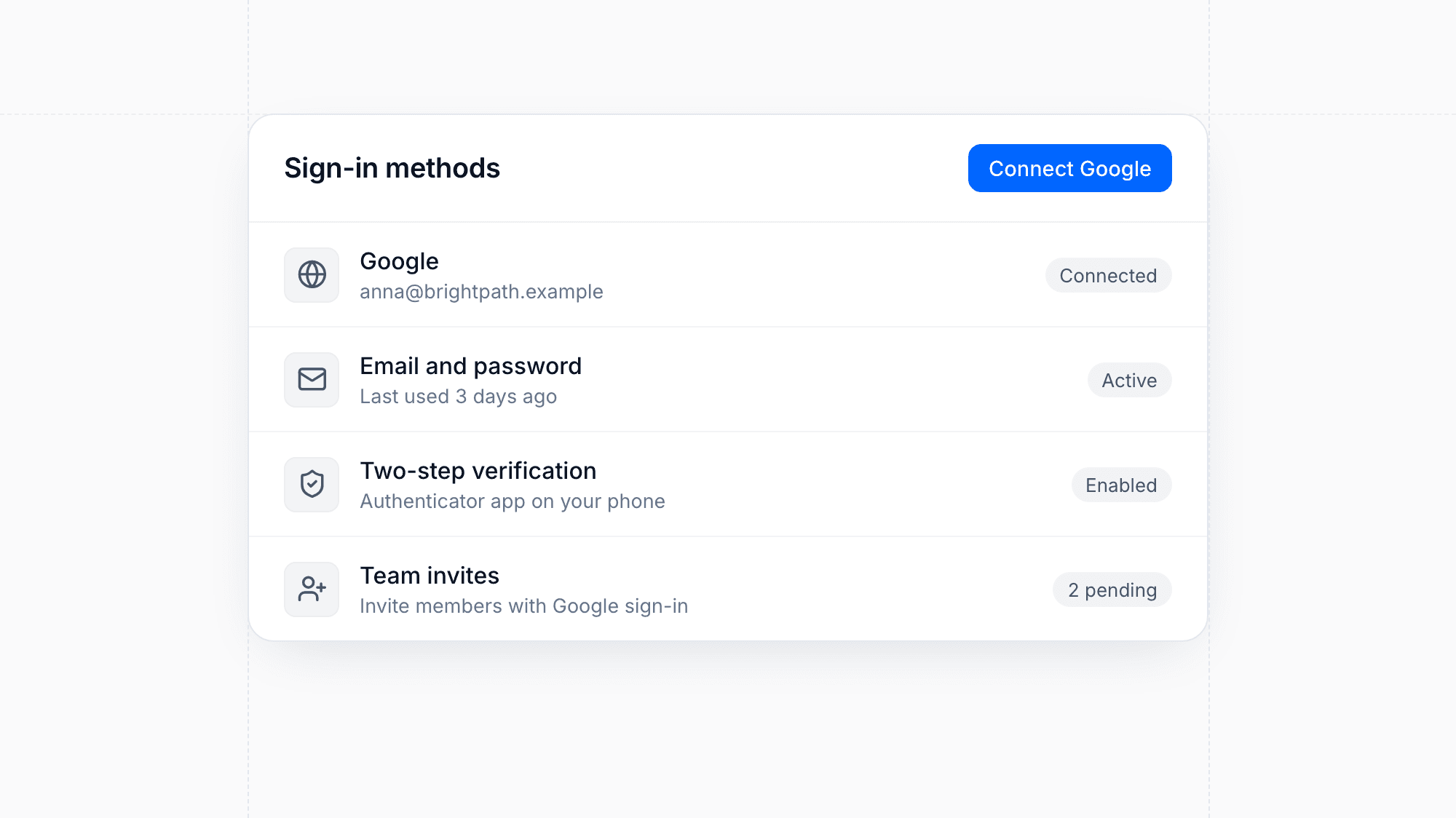
You can now sign in to moreflow with your Google account. It saves you from remembering another password and gets new team members started faster.

Talk to Flow with Voice Mode
Feature

Talk to Flow with Voice Mode

You can now speak with Flow instead of typing. Voice mode opens right inside the chat, with a visualizer that reacts to your voice so you always know Flow is listening. Each plan includes a monthly allowance of voice minutes.

Publish and Schedule to Instagram and LinkedIn
Feature

Publish and Schedule to Instagram and LinkedIn

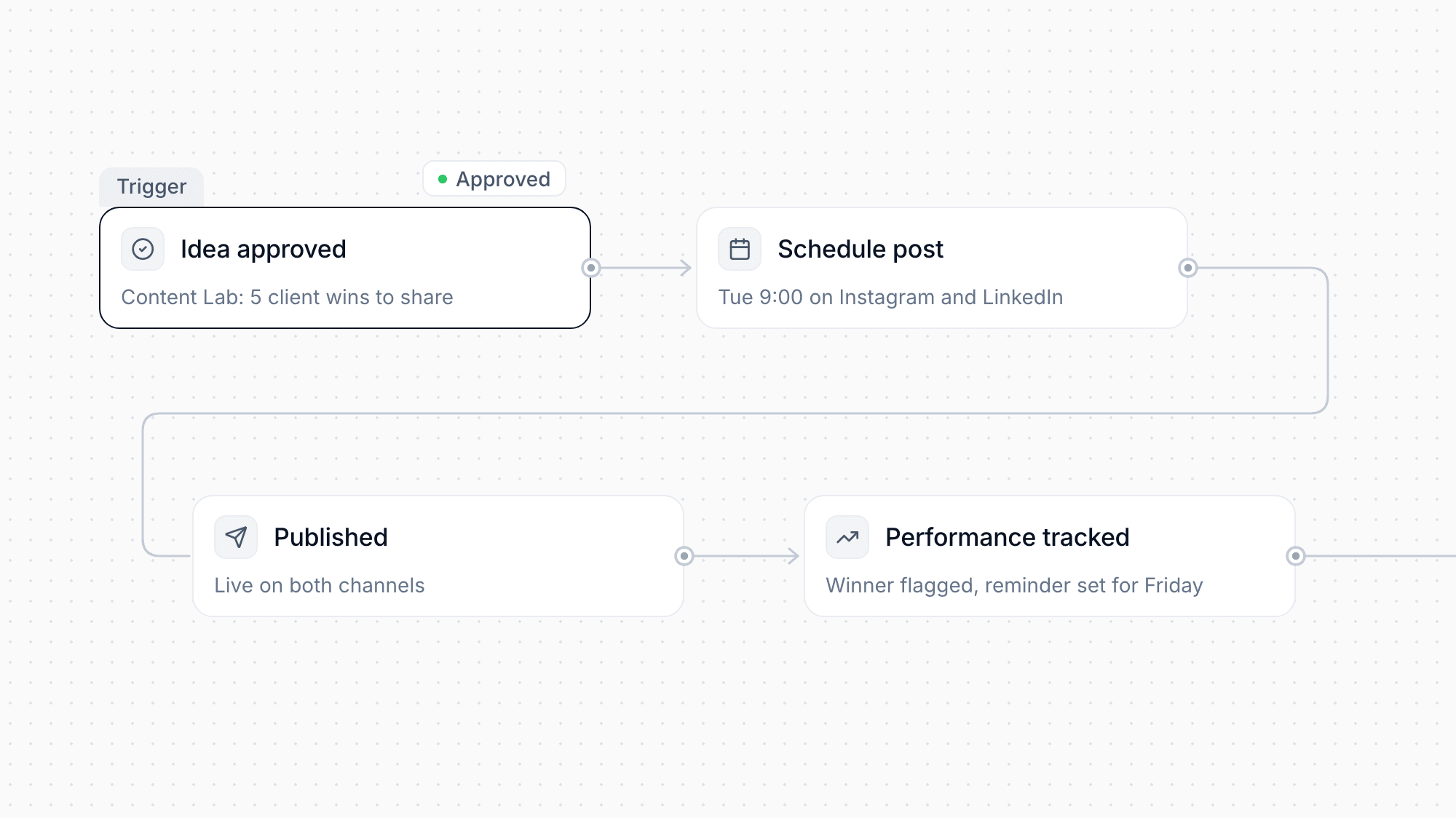
Publish approved Content Lab ideas directly to Instagram and LinkedIn, or schedule them for later. Content Lab tracks how your posts perform, highlights your winners, and reminds you when it is time to post again.

iOS Widgets, Live Activities and Offline Reading
Feature

iOS Widgets, Live Activities and Offline Reading

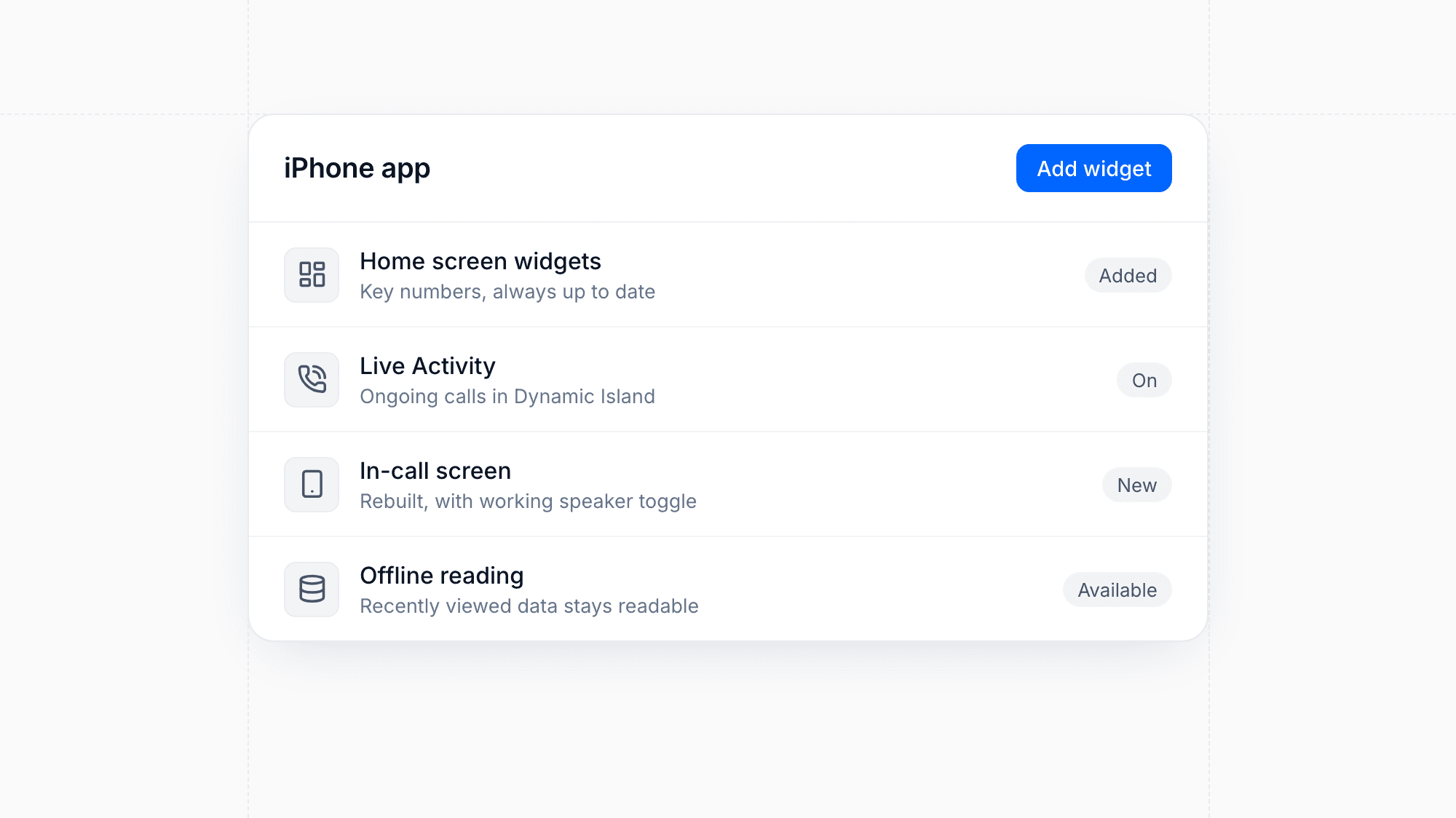
Add moreflow widgets to your iPhone home screen to keep key numbers in view, and they stay up to date as your data changes. Ongoing calls now appear as a Live Activity in the Dynamic Island, with a rebuilt in-call screen and a working speaker toggle. Recently viewed data stays readable when you lose your connection.

Enhancement

Spam Protection for Forms

Public and embedded forms now block bots automatically with invisible spam checks. Suspicious submissions are held for review, so you can approve or discard them instead of finding junk leads in your CRM. The submissions table has also been redesigned, with pagination and filtering by device.

Redesigned Chat Inbox with SMS
Feature

Redesigned Chat Inbox with SMS

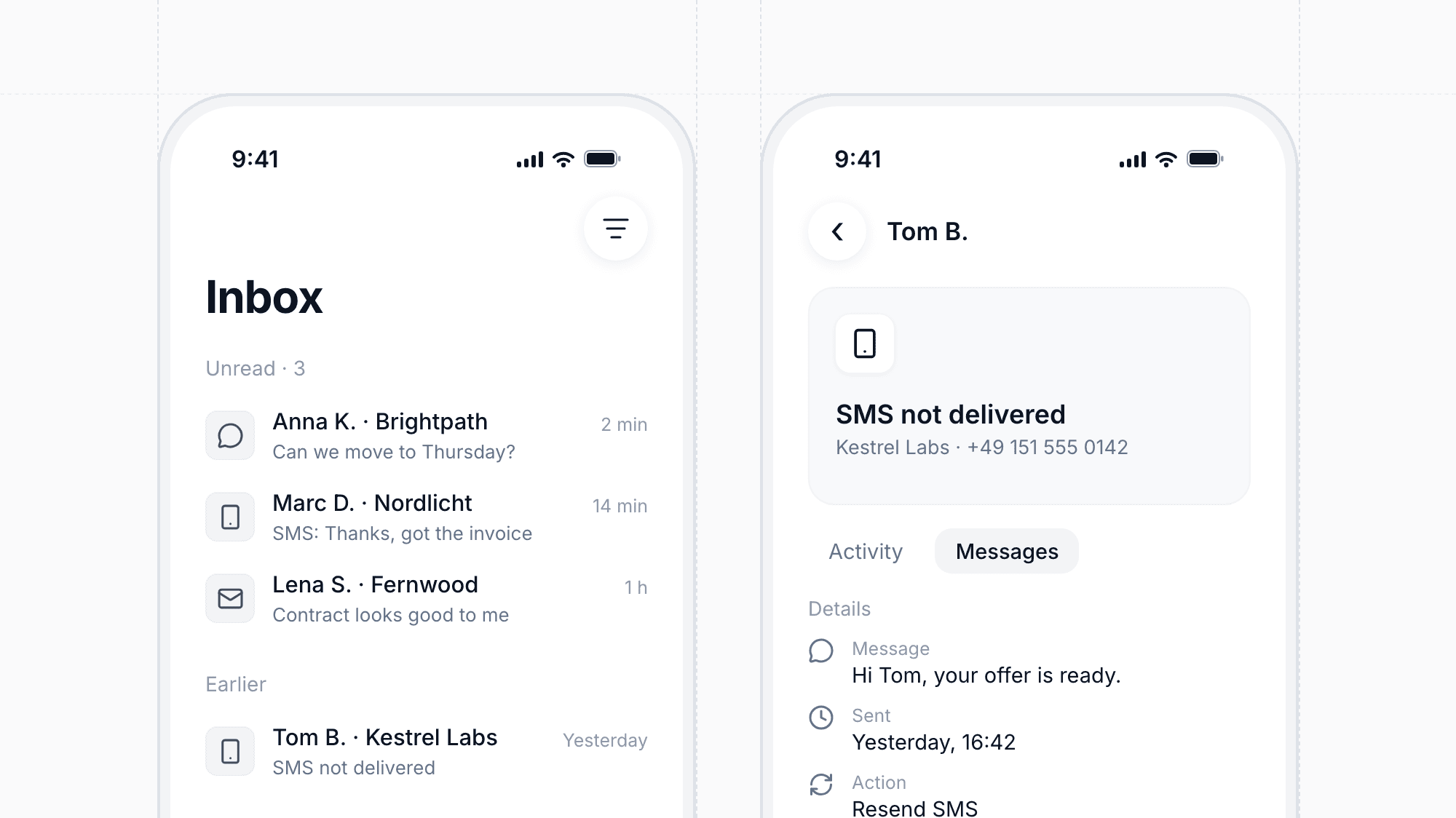
The chat inbox has a new layout, a rebuilt compose dialog, and a new message flow that lets you start conversations right from the inbox or a client profile. You can now text clients by SMS alongside your other channels, and replies arrive live in the same thread.

Each conversation shows the linked client's name, and the sidebar displays a live unread count. If an SMS fails to deliver, you see it right away and can resend it with one click.

Turn Content Lab Ideas into Videos
Feature

Turn Content Lab Ideas into Videos

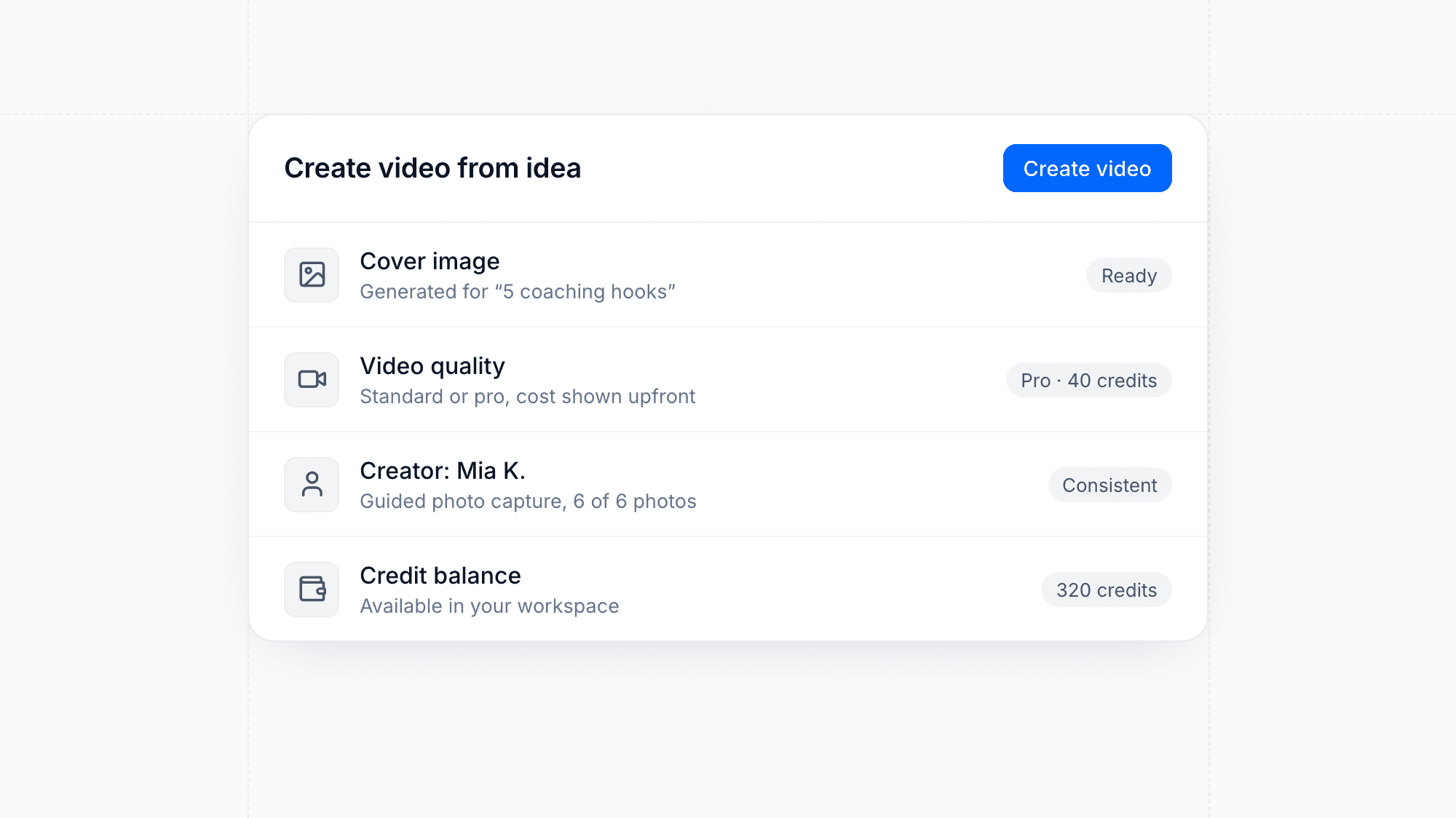
Every Content Lab idea now has its own page, complete with a generated cover image and a panel to create a video from it. Choose standard or pro quality and see the credit cost before you start. Set up a creator with guided photo capture to keep the person in your videos consistent.

CRM Chats in the Mobile App
Feature

CRM Chats in the Mobile App

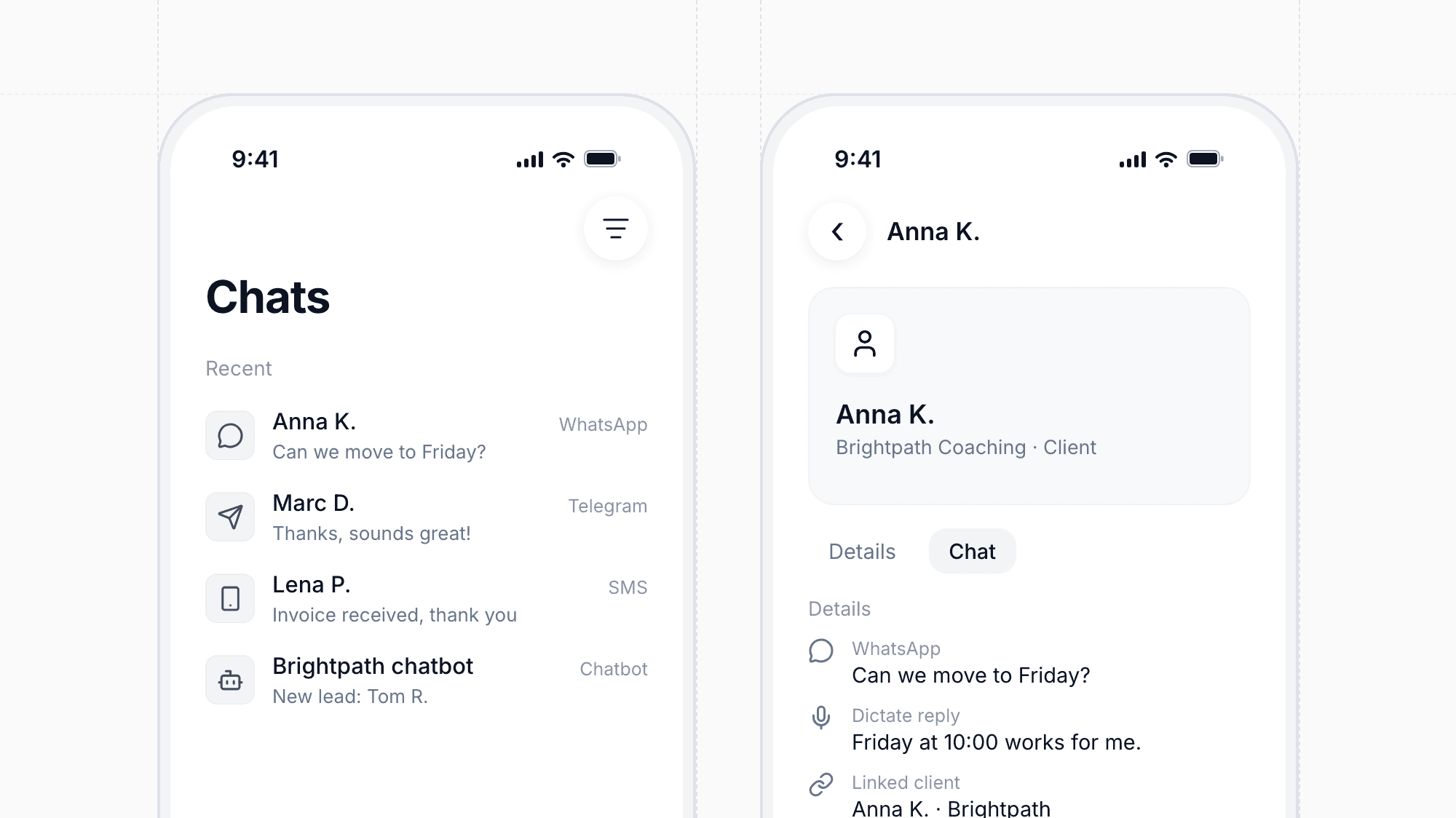
The mobile app now has a chats tab where you can read and answer SMS, WhatsApp, Telegram, and chatbot conversations on the go. Start new messages, open the linked client, and jump straight into a chat from a notification. You can also dictate replies instead of typing them.

Influenced Revenue and Funnel Reports
Feature

Influenced Revenue and Funnel Reports

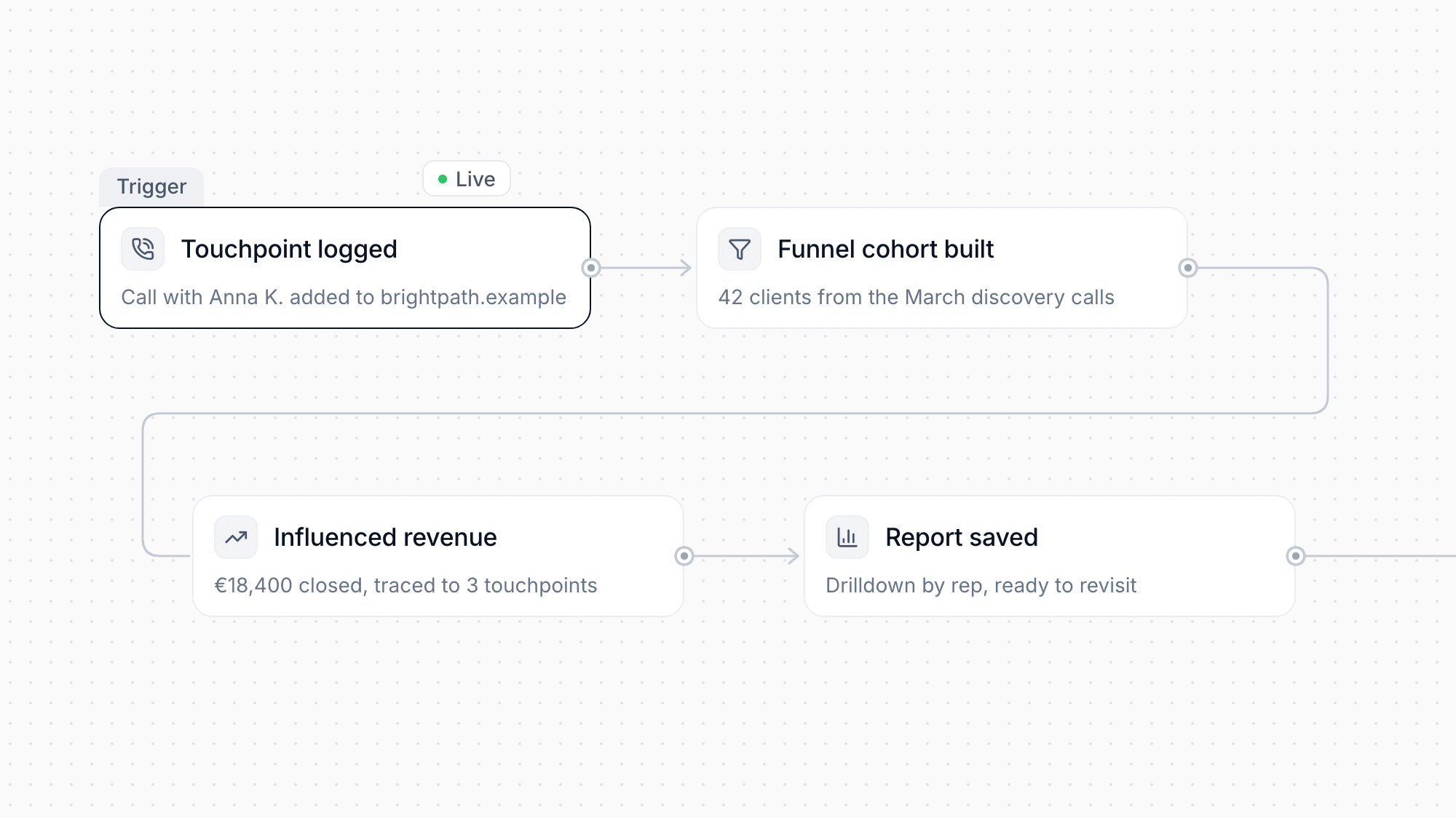
Analytics now shows which calls, messages, and touchpoints contributed to closed revenue, with a drilldown down to the individual rep. You can log offline touchpoints manually on a client, build funnel cohorts, and save reports to revisit later.

Branded Calling
Feature

Branded Calling

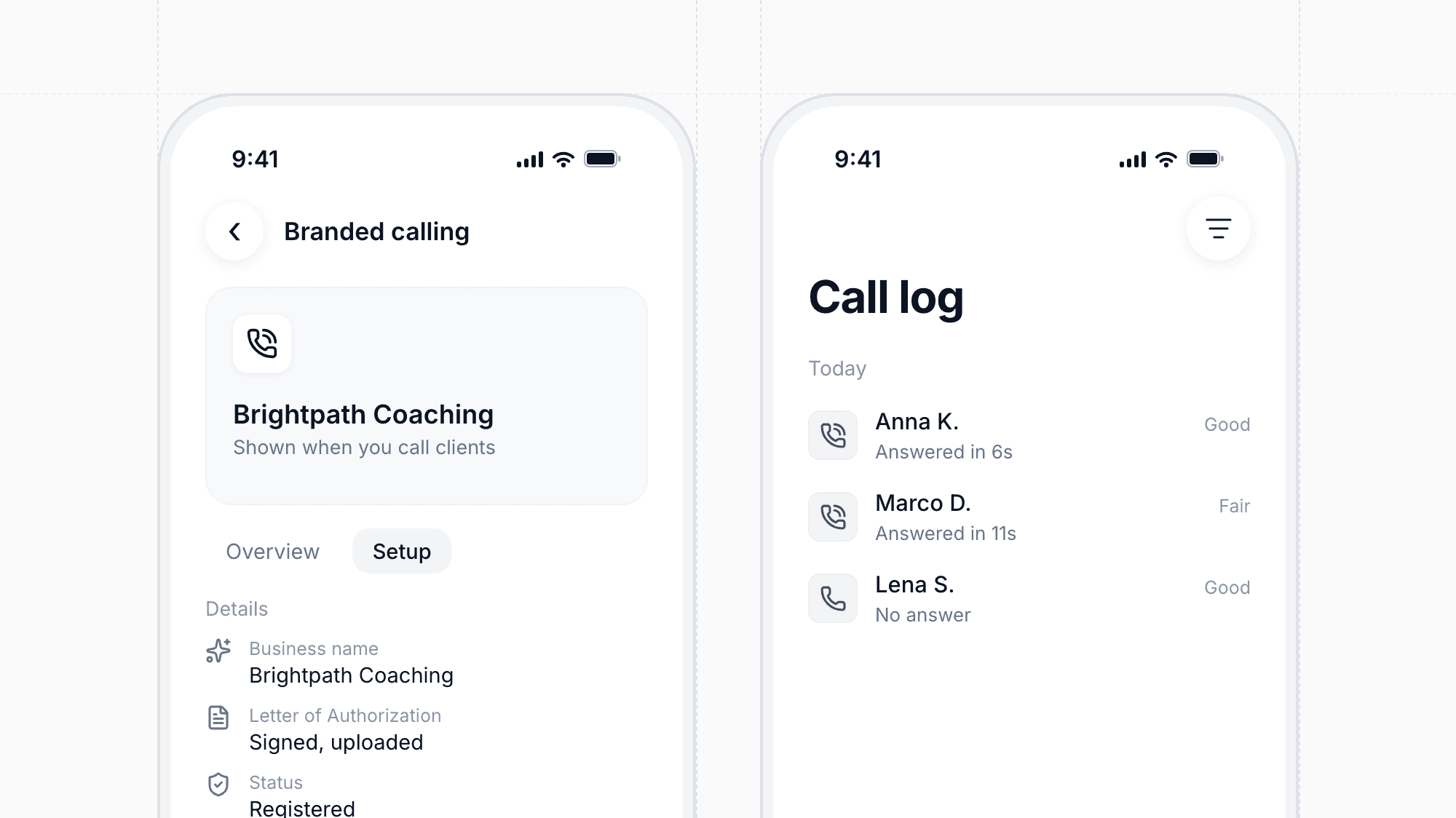
Show your business name when you call clients, so more of your calls get answered. A guided setup in the phone settings walks you through registering your business, including uploading a signed Letter of Authorization. Your call log now also records network quality and time to answer for each call.

Chatbot Conversation Summaries in the CRM
Feature

Chatbot Conversation Summaries in the CRM

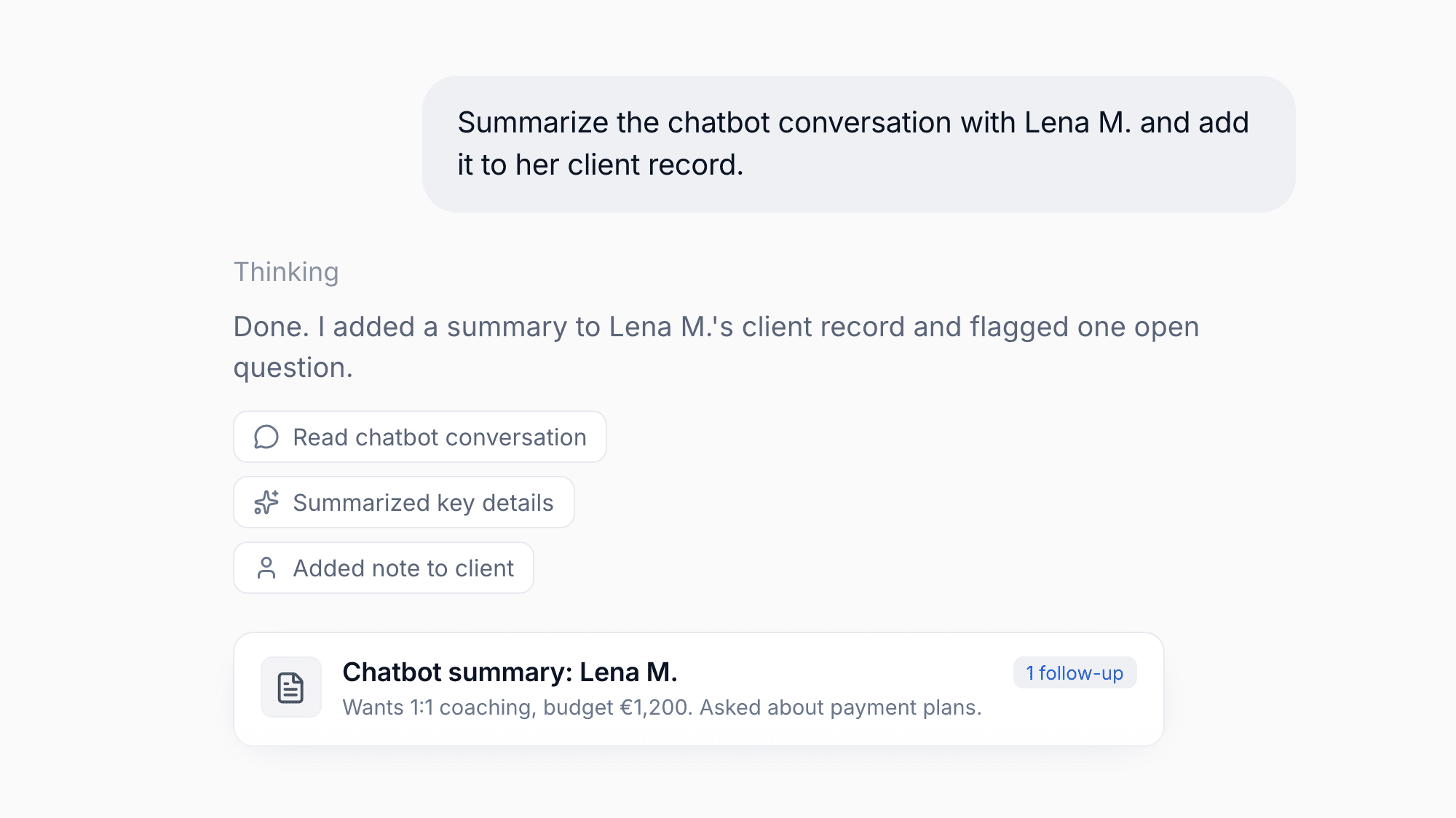
When a chatbot conversation ends, moreflow adds a short summary to the client in your CRM. It lists what the visitor shared and flags questions the bot could not answer, so you can follow up with the right context.

TikTok Conversion Tracking
Feature

TikTok Conversion Tracking

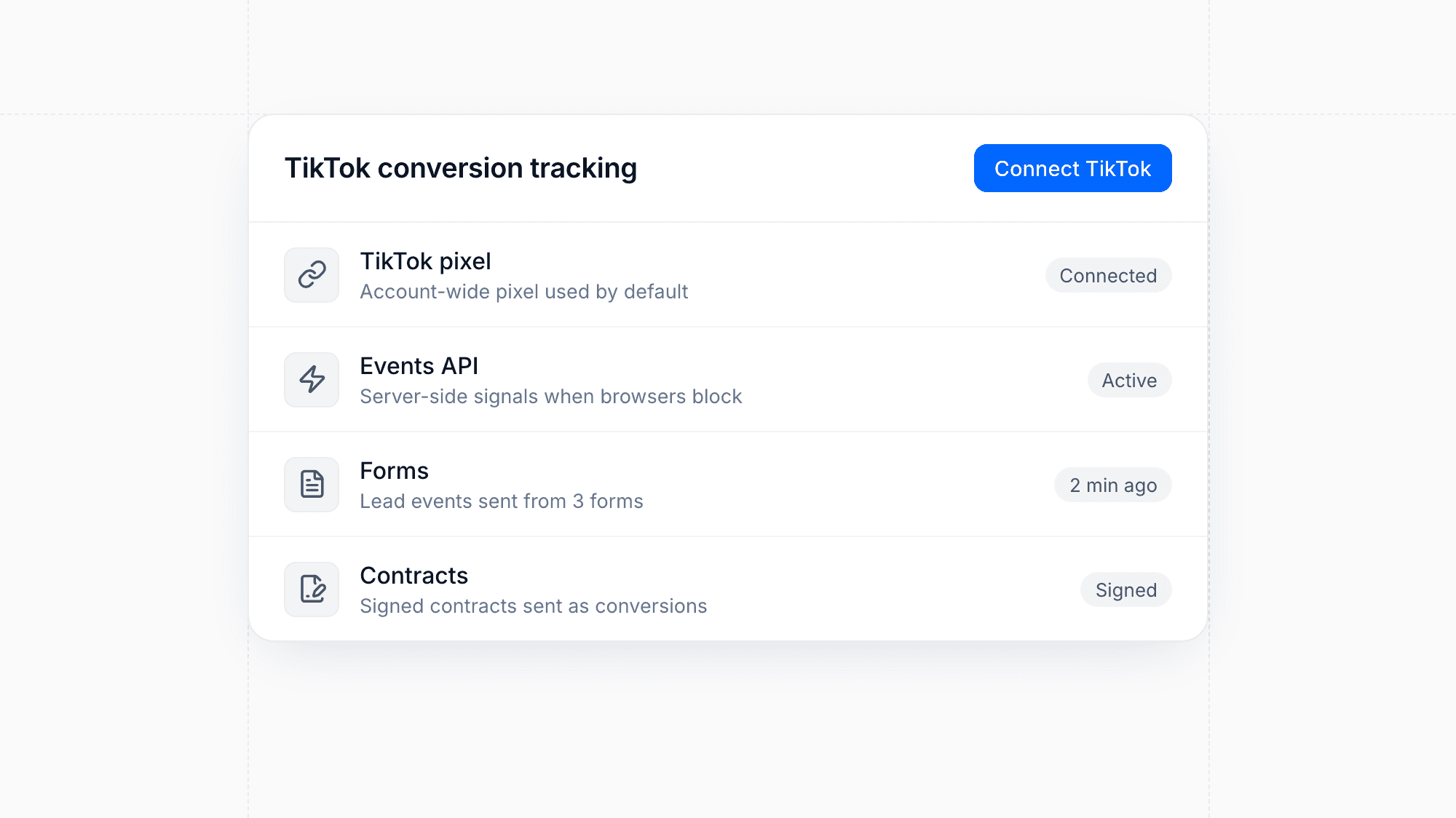
Connect TikTok in your settings to send conversion events from your forms, chatbots, offers, and contracts. The TikTok pixel and the Events API work together, so your campaigns get reliable signals even when browsers block tracking. Forms show whether TikTok is connected, and they use your account-wide pixel by default.

Enhancement

New Workspaces for Contracts, Offers and Debt Collection

Contracts, offers and debt collection now each have a focused workspace that highlights what needs your attention next. You can filter contracts by several statuses at once, see invoice due dates at a glance, and change payment options right from the contract detail. Overdue invoices can be handed to debt collection with Paywise directly from the client.

Calling, Power Dialer and Analytics in the Mobile App
Feature

Calling, Power Dialer and Analytics in the Mobile App

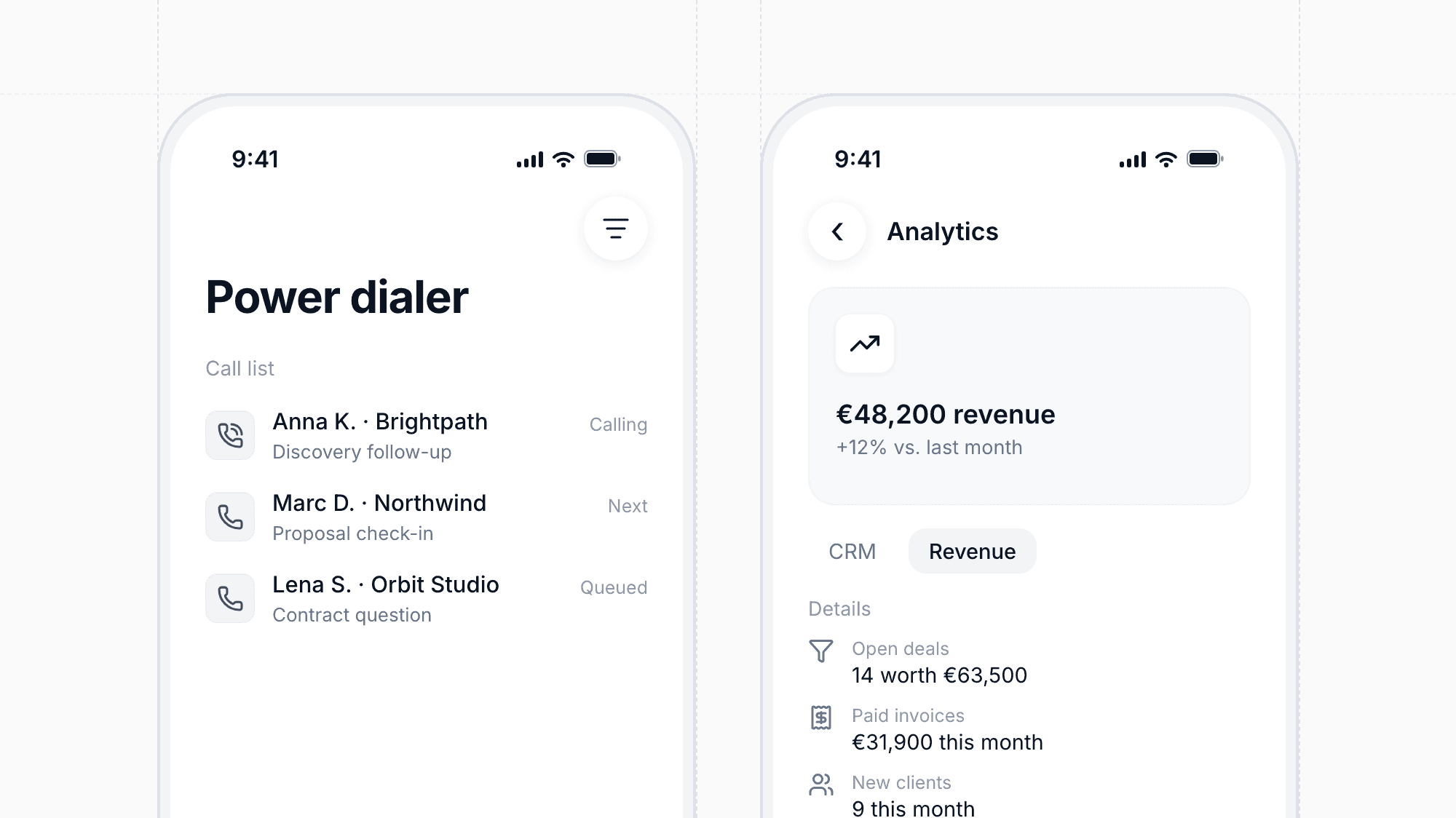
The moreflow app for iPhone can now place calls directly in the app, including a power dialer for working through call lists. You also get CRM and revenue analytics, WhatsApp per client, replies to chatbot handoffs, and global client search. Flow AI has a redesigned chat on the phone and can surface suggestions proactively.

Enhancement

Flow AI Now Takes Action in Your CRM

Flow AI has a new chat workspace and can now carry out tasks for you, not just answer questions. It suggests next steps, proposes follow-ups proactively, and lets you confirm CRM actions inline. You decide how much it is allowed to do with access modes, and changes that delete data always require the account owner's consent.

Google Ads and Meta Ads Insights
Feature

Google Ads and Meta Ads Insights

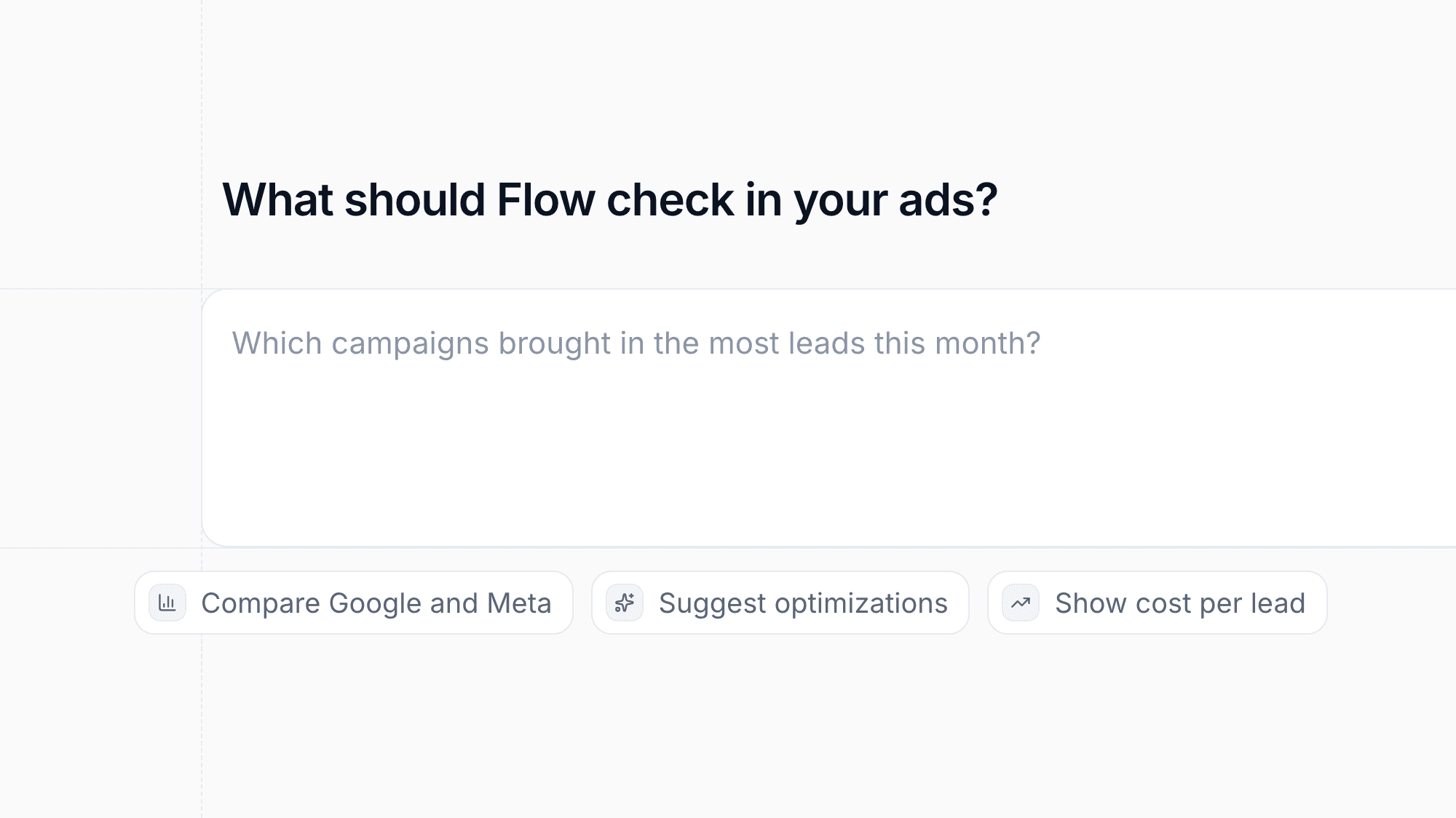
Connect your Google Ads and Meta Ads accounts to see campaign performance in a new marketing dashboard powered by Flow AI. Flow can analyze your ads and suggest optimizations. Leads and conversions from moreflow, including past ones, are sent back to Google and Meta so the platforms can optimize your campaigns better.

Import Clients from HubSpot, Pipedrive, Monday and Close
Feature

Import Clients from HubSpot, Pipedrive, Monday and Close

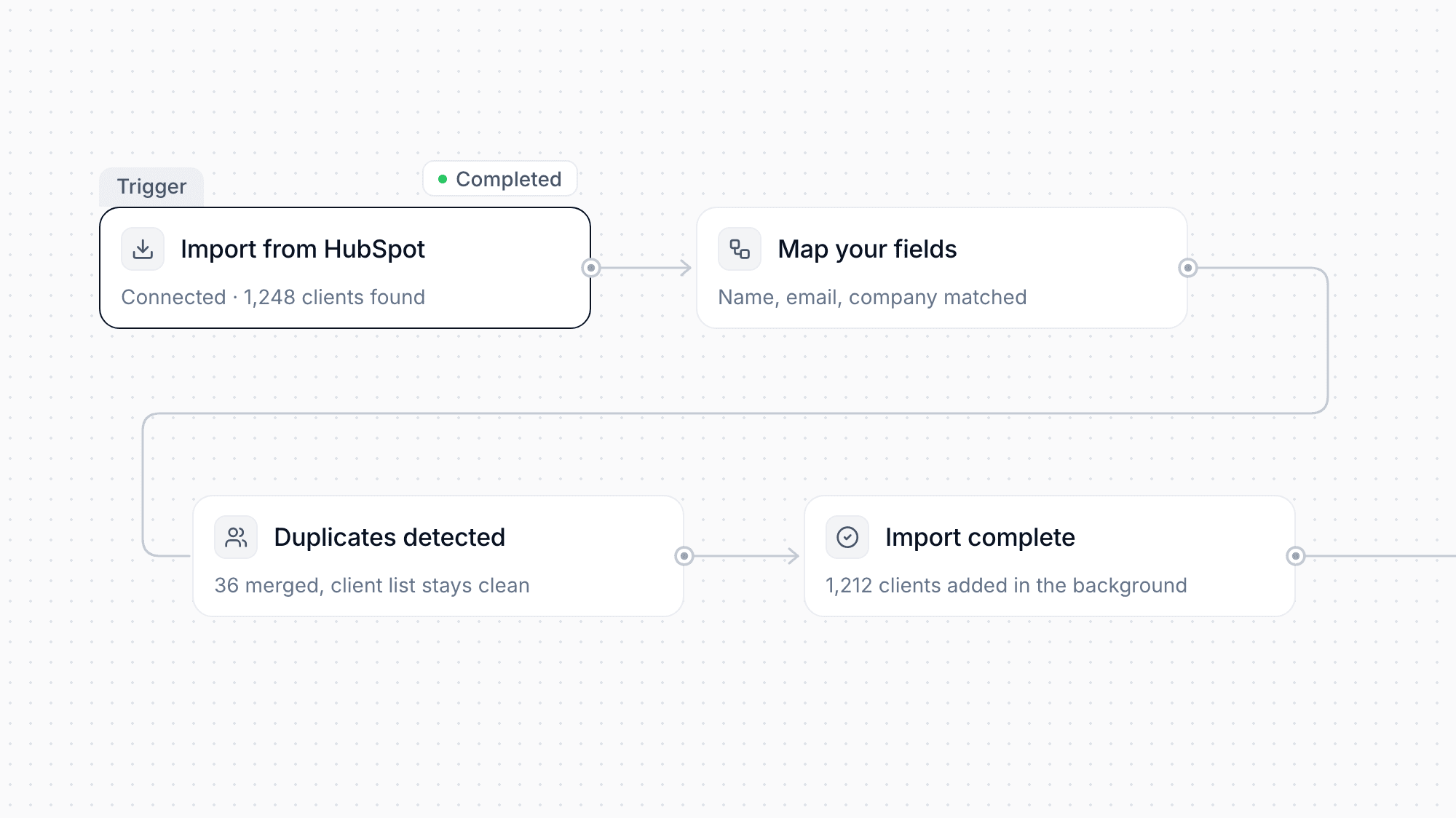
Switching to moreflow is now much easier. You can import your clients directly from HubSpot, Pipedrive, Monday and Close, or upload a CSV or Excel file. A guided wizard helps you map your fields. Large imports run in the background, and duplicates are detected automatically so your client list stays clean.

Enhancement

All Client Meetings in One Tab

Each client now has a Meetings tab that shows their complete meeting history next to calls. You no longer need to search your calendar to see when you last spoke with someone or what is coming up next.

Two-Factor Authentication and Device Management
Feature

Two-Factor Authentication and Device Management

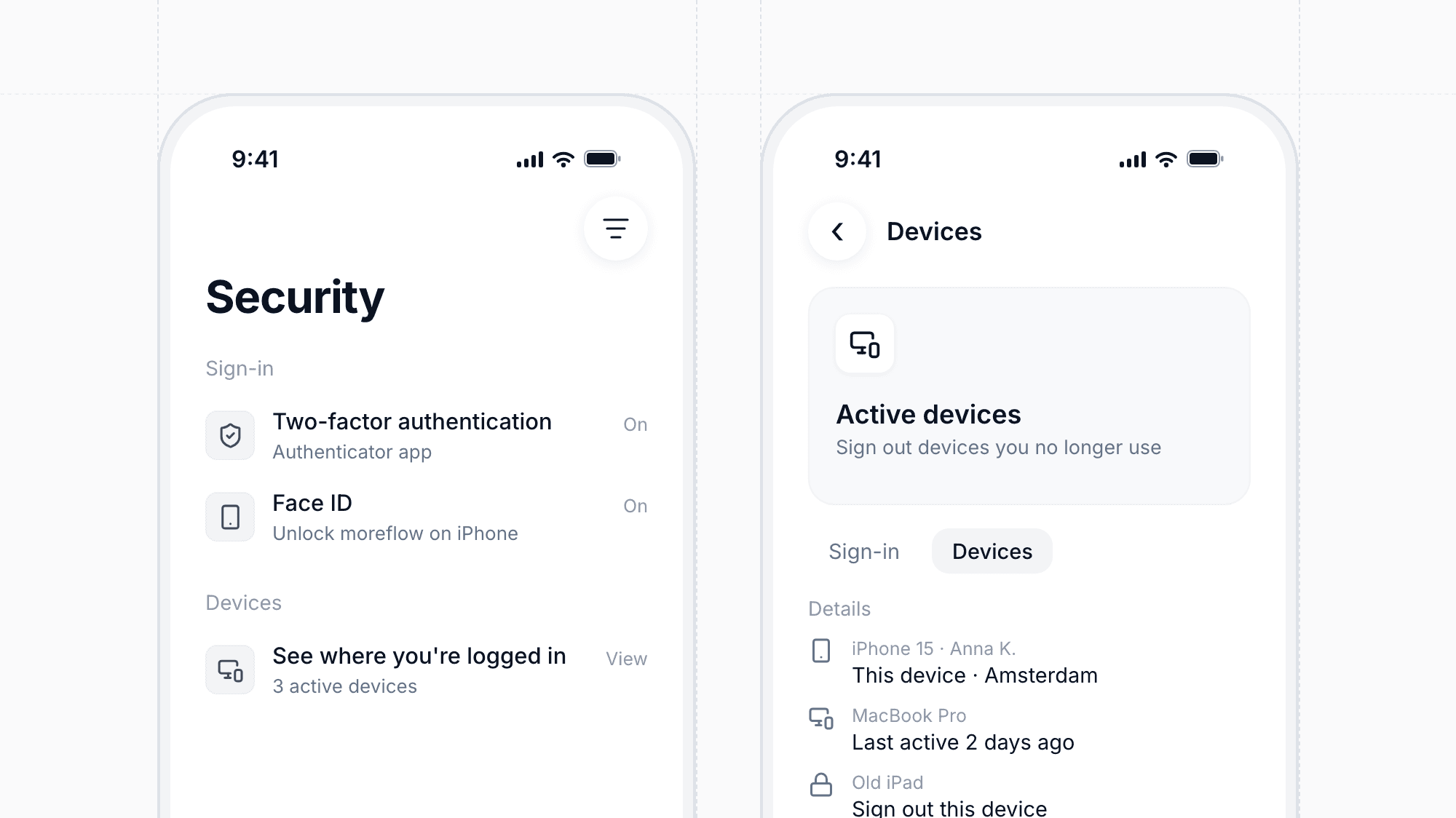
You can now protect your account with an optional second sign-in step using an authenticator app, or use Face ID on iPhone. After signing in, moreflow offers to set it up for you. In your security settings you can also see where you are logged in and sign out devices you no longer use.

Refunds and Bank Transfer Deposits
Feature

Refunds and Bank Transfer Deposits

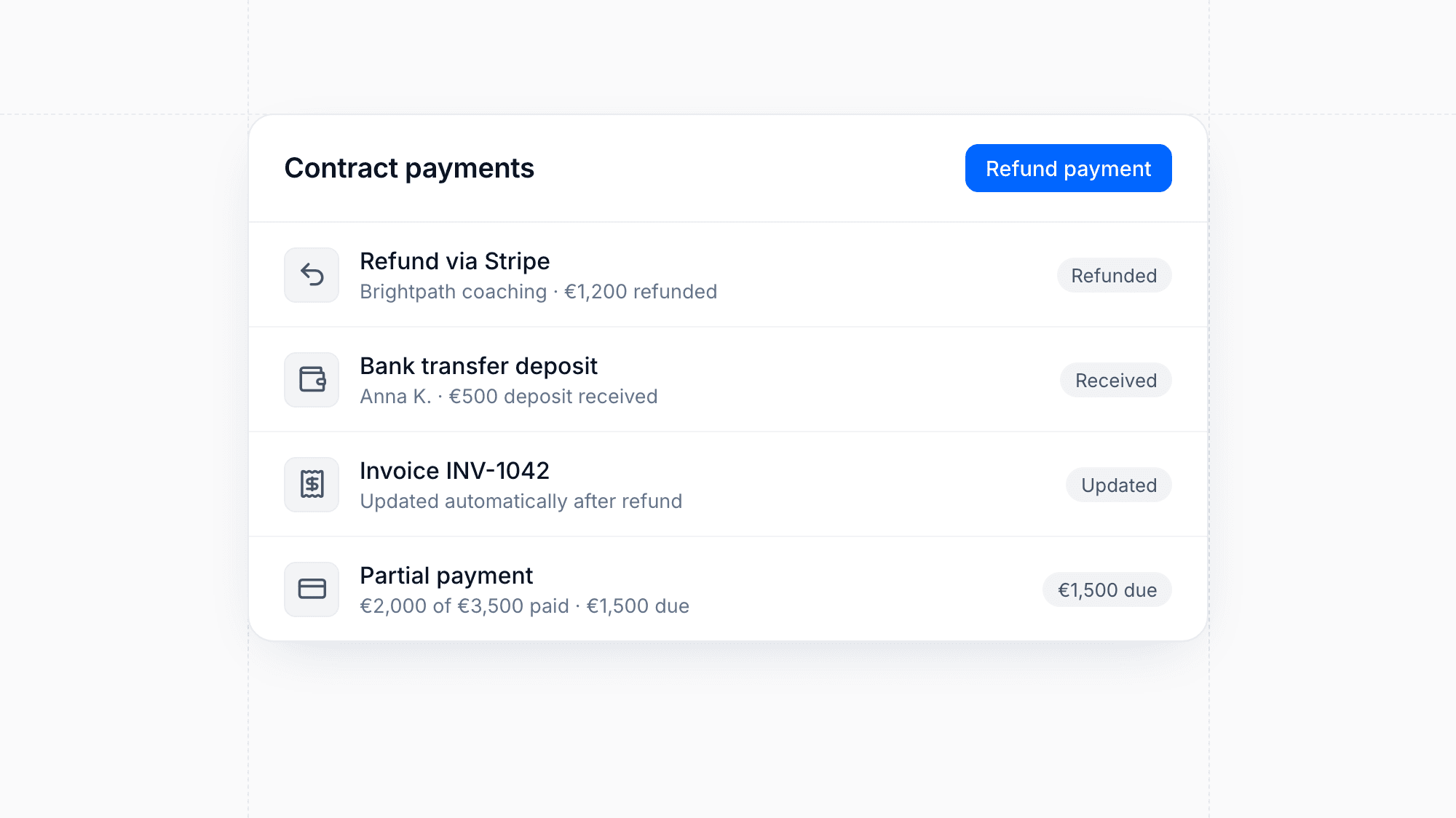
You can now refund Stripe and PayPal payments directly from a contract's menu, and the invoice is updated automatically. Clients can also pay deposits by bank transfer. Contracts now show when a payment has only been partially made, so you always know what is still outstanding.

Custom Checkboxes for Contract Signing
Feature

Custom Checkboxes for Contract Signing

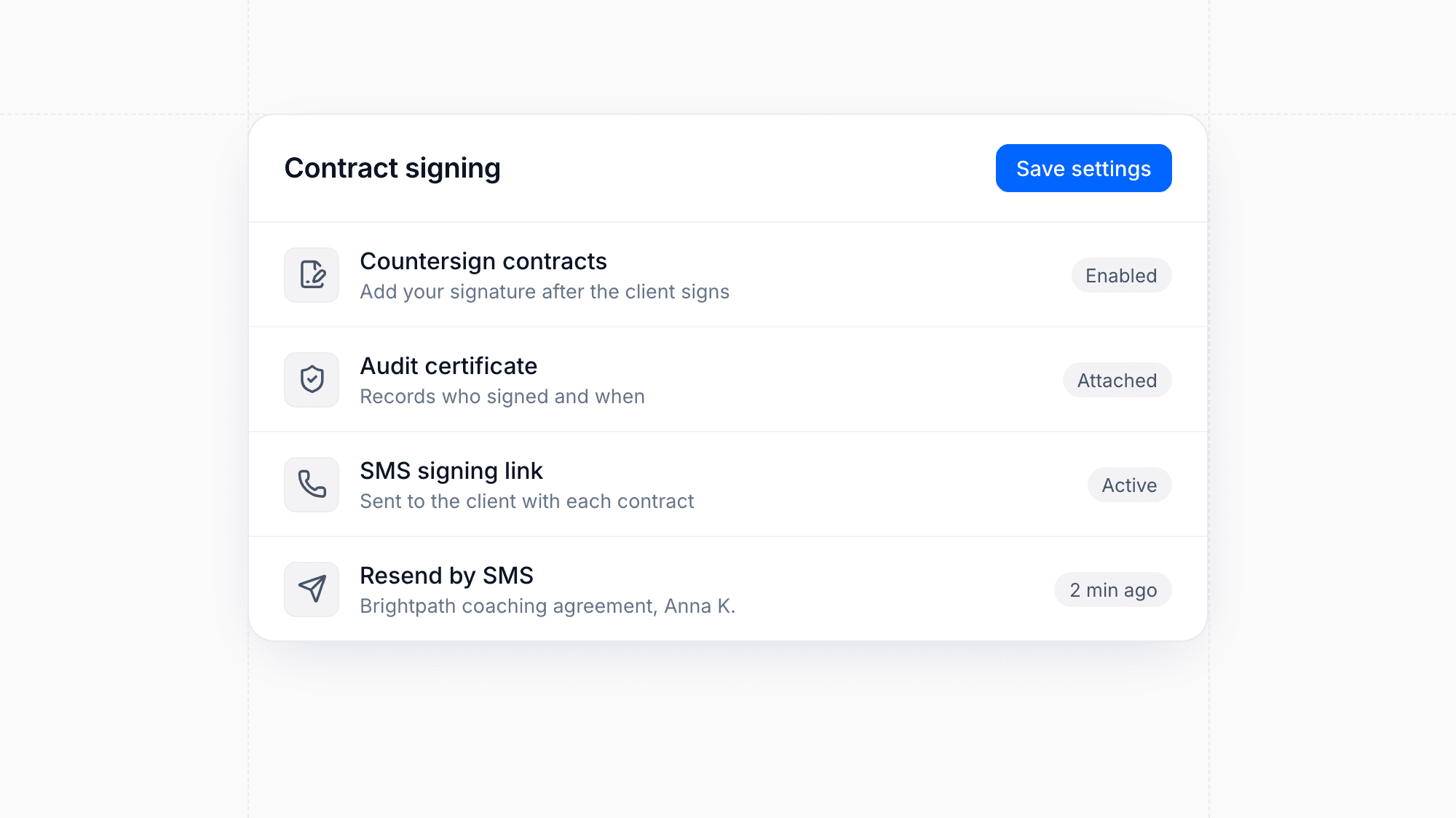
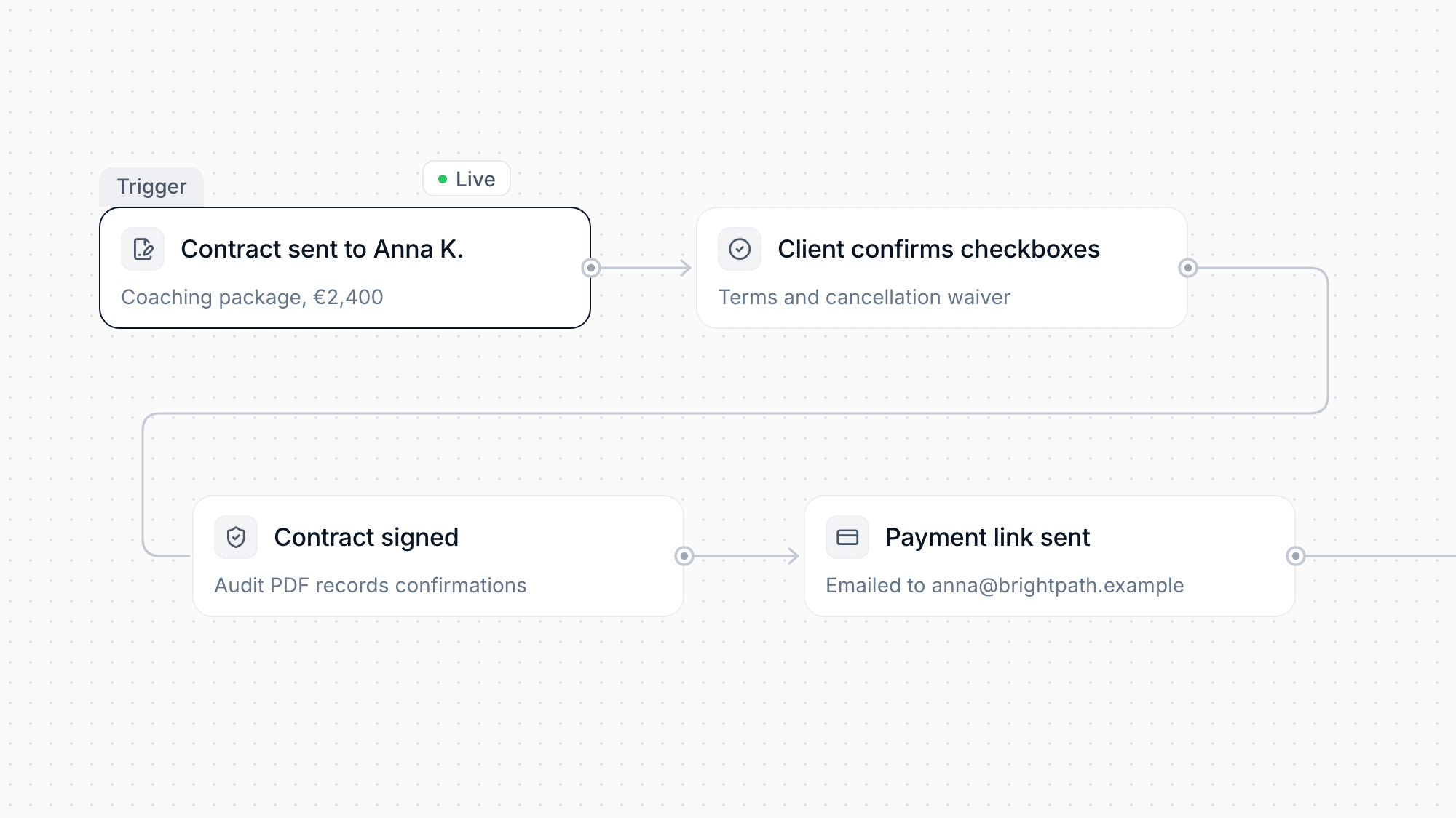
Add your own checkboxes that clients must confirm before signing a contract, for example terms or cancellation waivers. The checkboxes appear in the contract preview and are recorded in the audit PDF, which you can now regenerate when needed. Signed contracts can also send the payment link automatically right after signing.

Enhancement

Faster Chatbots with Answer Rules

Chatbot replies now stream in as they are written, so visitors see answers sooner. You can define answer rules that guide what your chatbot may and may not say, and collect custom lead fields that turn conversations directly into leads in your pipeline.

Enhancement

Bookings Sync to Outlook and Your Chosen Calendar

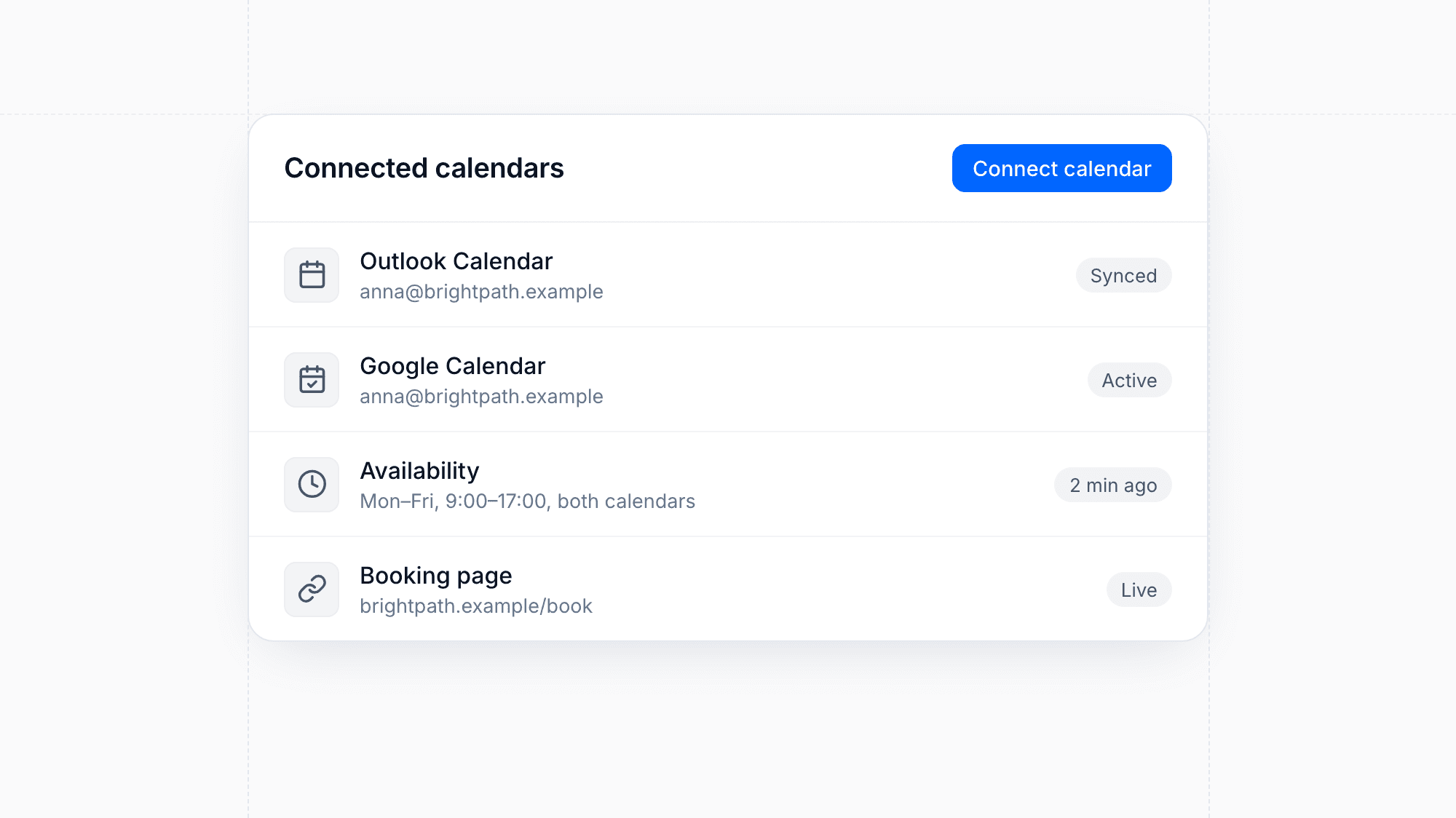
New bookings can now be written to your Outlook calendar as well as Google Calendar, and each meeting type lets you choose which calendar receives the event. Public booking pages also respect external and all-day events in your calendar and calculate slots in the correct time zone, so prospects only see times you are actually free.

Public API for Forms and Chatbots
Feature

Public API for Forms and Chatbots

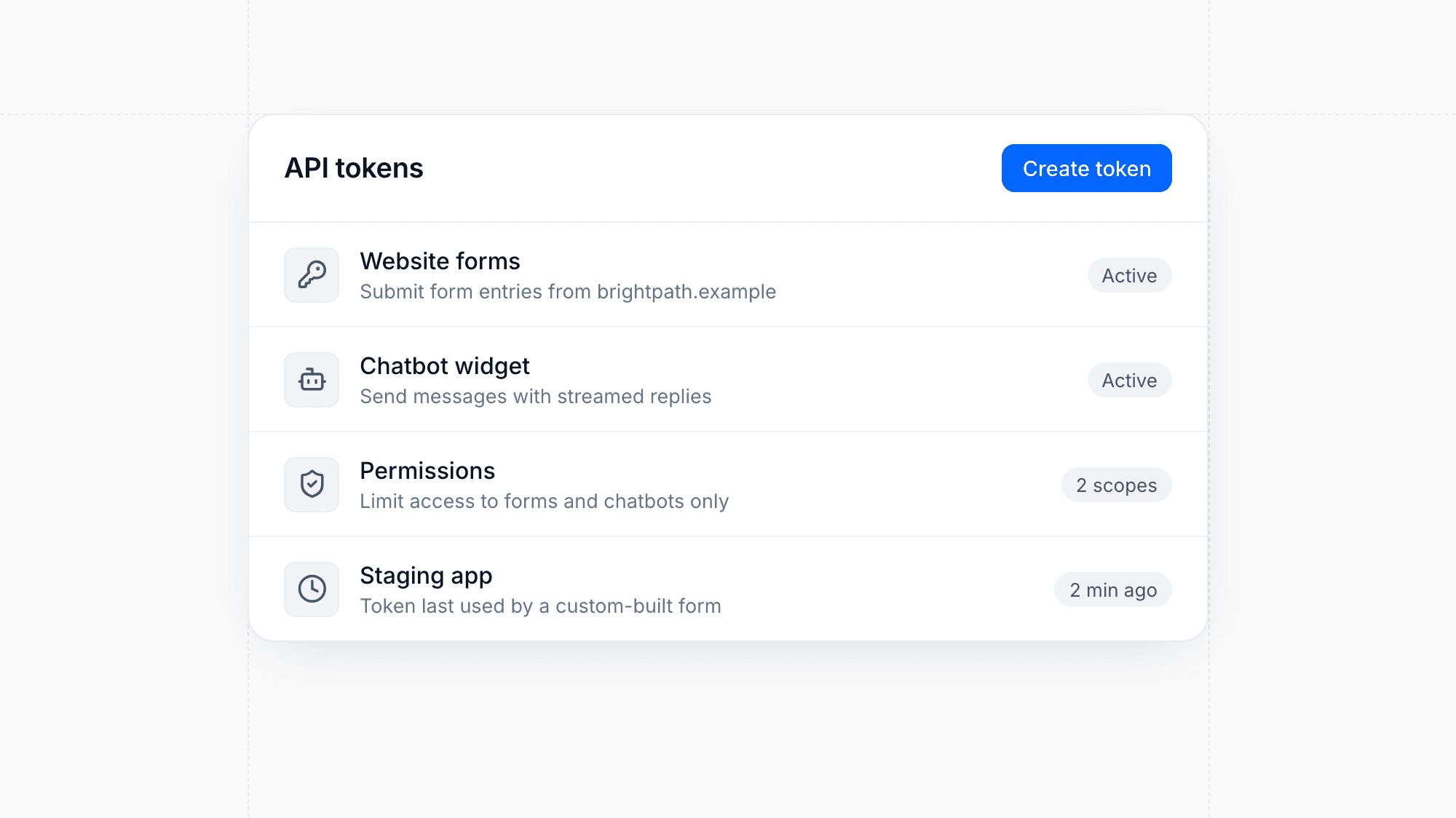
Connect your own website or app to moreflow forms and chatbots through a public API. Submit form entries from custom-built forms and send chatbot messages with streamed replies, secured with API tokens that you can limit to specific permissions.

Enhancement

Improved Offer Builder and Tracking

The offer builder has been refined, with an easier client selector and actions grouped into a single menu. You get clearer tracking of how clients interact with your offers, and clients can now choose to pay by invoice when accepting an offer.

Mobile App Now Covers CRM, Calendar and Team
Feature

Mobile App Now Covers CRM, Calendar and Team

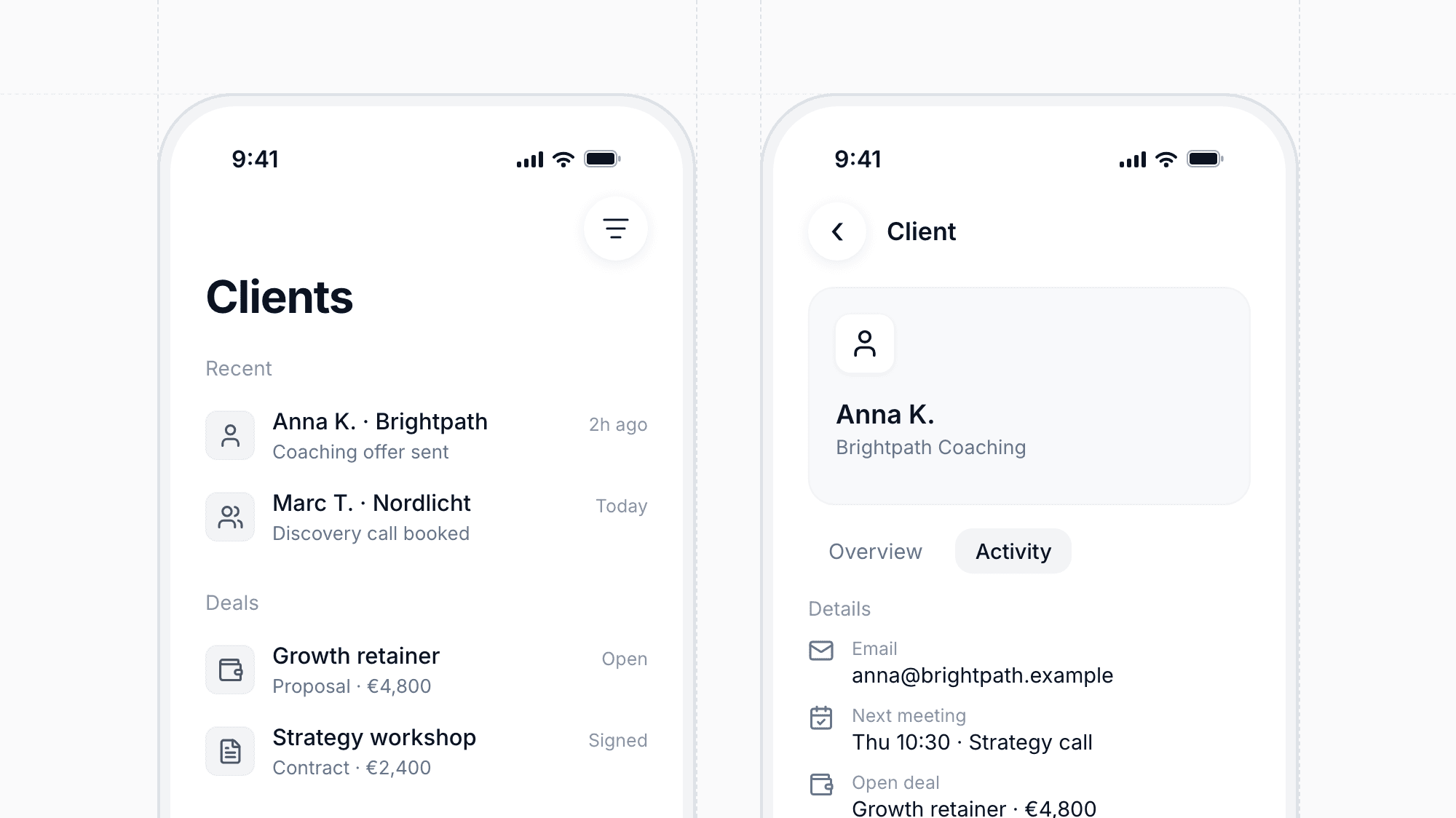
The moreflow mobile app now lets you work with clients, your calendar, automations, and team settings on the go. A redesigned CRM overview and client detail page, upgraded dashboard widgets, and a calendar view toggle make everyday work from your phone faster. You can also manage team members and your profile directly in the app.

Enhancement

Dates Follow Your Format Settings Everywhere

Dates and times across moreflow now follow your account and personal format settings. This includes public booking pages, meeting reminders, emails, and template variables, so clients always see dates in the format you expect.

Enhancement

Clearer Stripe Account Setup

moreflow now shows when your connected Stripe account needs attention, such as missing verification details, right in your integrations. You can fix issues before they block payouts. Product purchases are also invoiced automatically once the payment succeeds.

Enhancement

Client Search Tolerates Typos

Searching for clients in the CRM now finds the right people even when a name is slightly misspelled. Results are also more relevant, so you get to the contact you need faster.

Custom Checkboxes on Booking Pages
Feature

Custom Checkboxes on Booking Pages

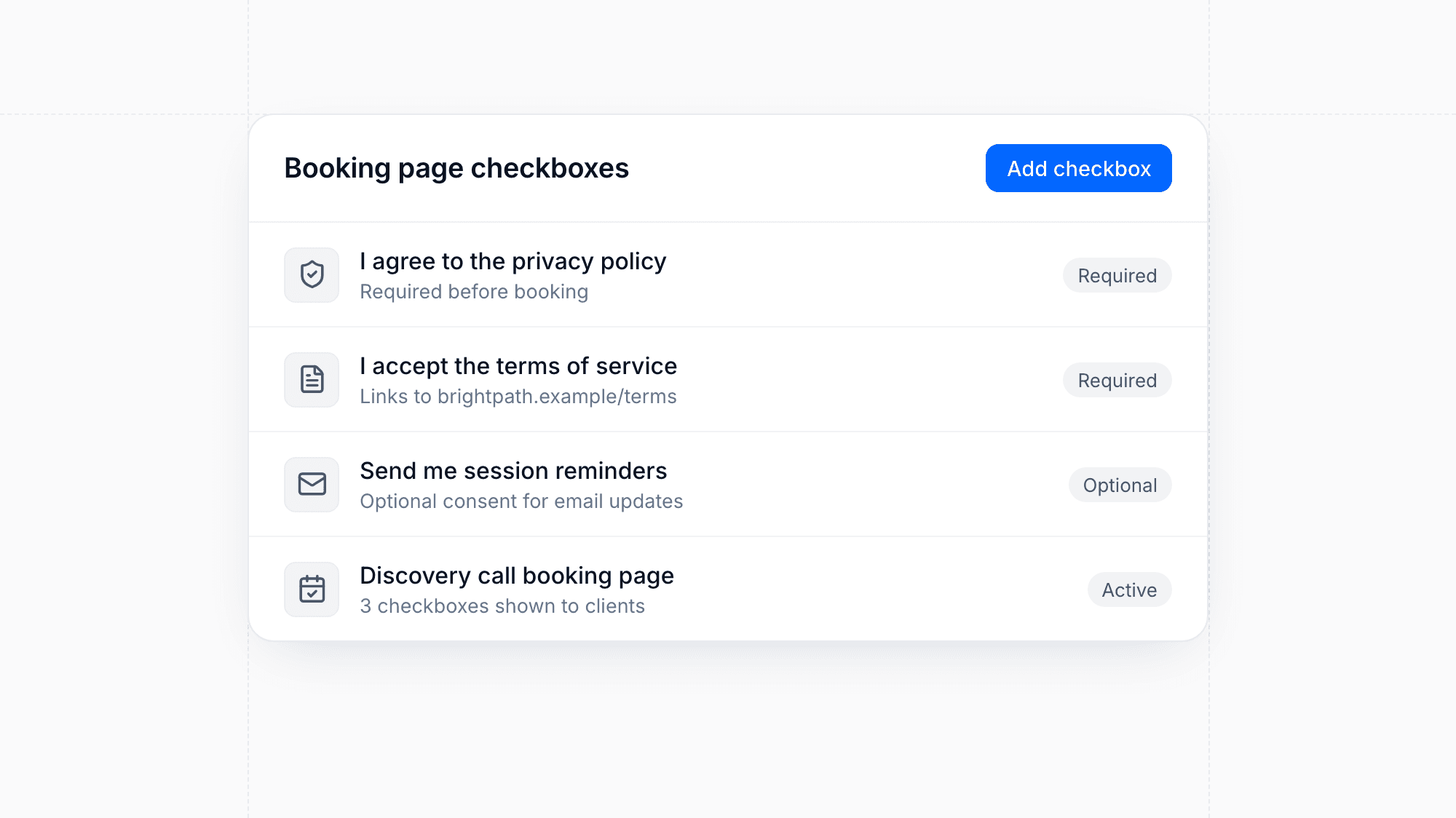
Add your own checkboxes to booking pages, for example to collect consent or confirm terms before a meeting is booked. Scheduling meetings from the meeting dialog is also quicker.

Enhancement

More Reliable File Uploads

Large file uploads can now resume after a connection interruption instead of starting over. When you upload several files at once, each one appears as soon as it is finished, so you can keep working while the rest complete.

Chatbot Activity in the CRM
Feature

Chatbot Activity in the CRM

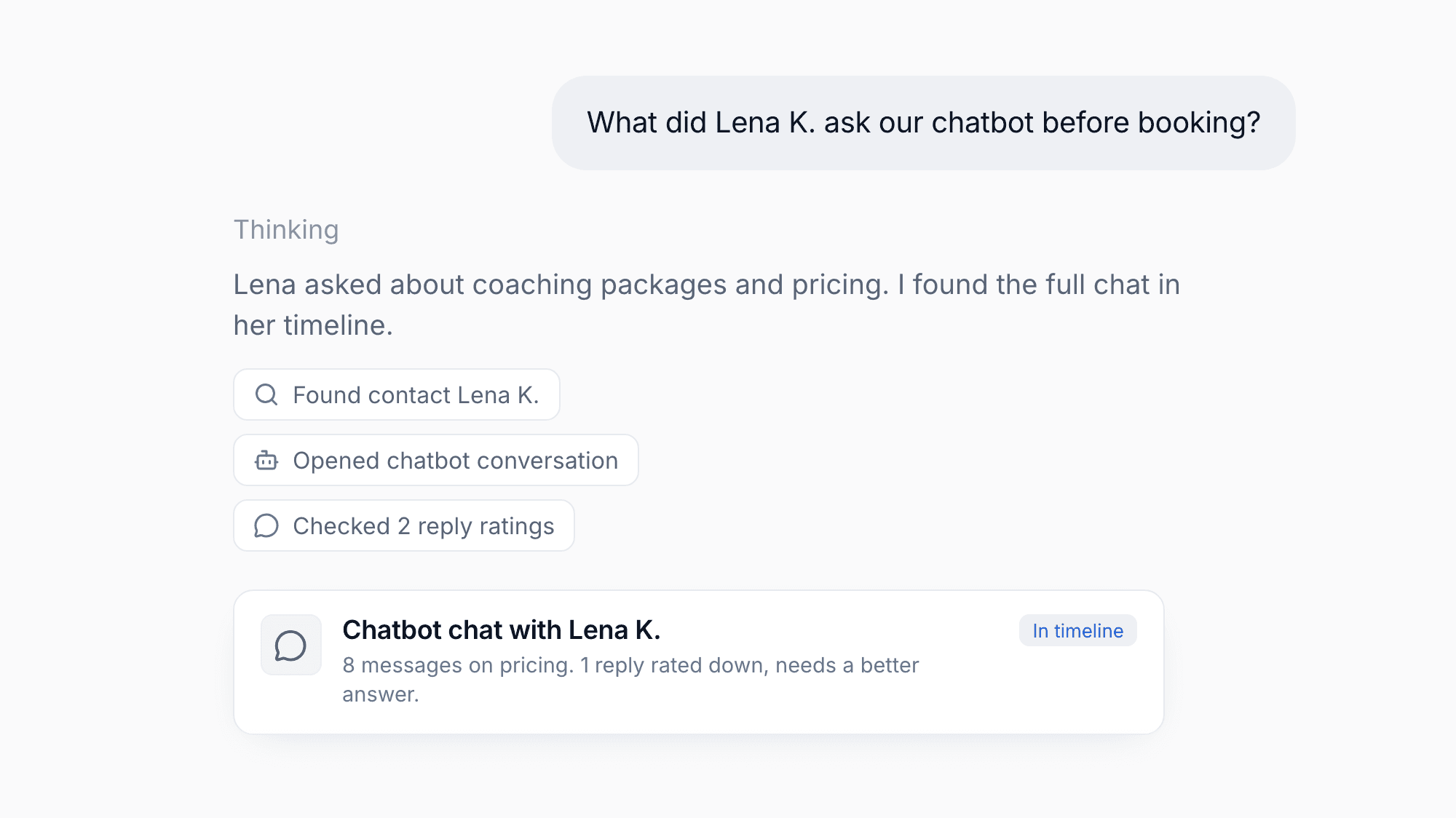
Chatbot conversations now appear in the activity timeline of your contacts, so you can see what a lead discussed with your bot before you reach out. Ratings that visitors give to chatbot replies are now saved, helping you spot answers that need improvement.

Enhancement

Cancel Signed Contracts

You can now cancel contracts that have already been signed. The contract list updates right away after a cancellation, so you always see the current status without reloading the page.

Enhancement

Improved Paywise Debt Collection

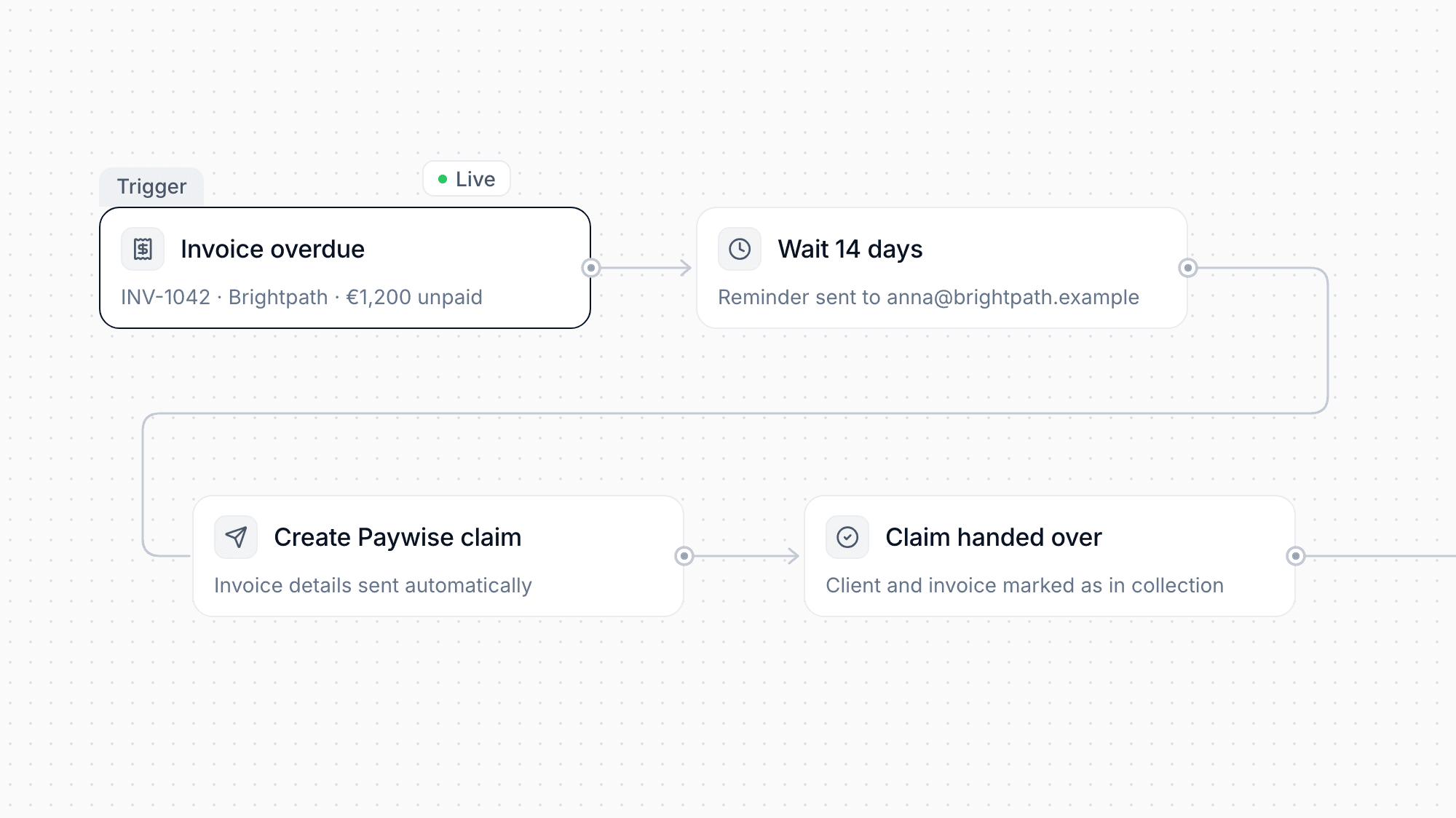
The Paywise integration has been rebuilt so you can hand overdue invoices to debt collection with less effort. moreflow now shows which invoices are eligible, links you straight to the setup, and uses your invoice number as the claim reference. Updates from Paywise appear directly in moreflow, so you no longer need to switch tools to follow a claim.

API Access with Tokens and Documentation
Feature

API Access with Tokens and Documentation

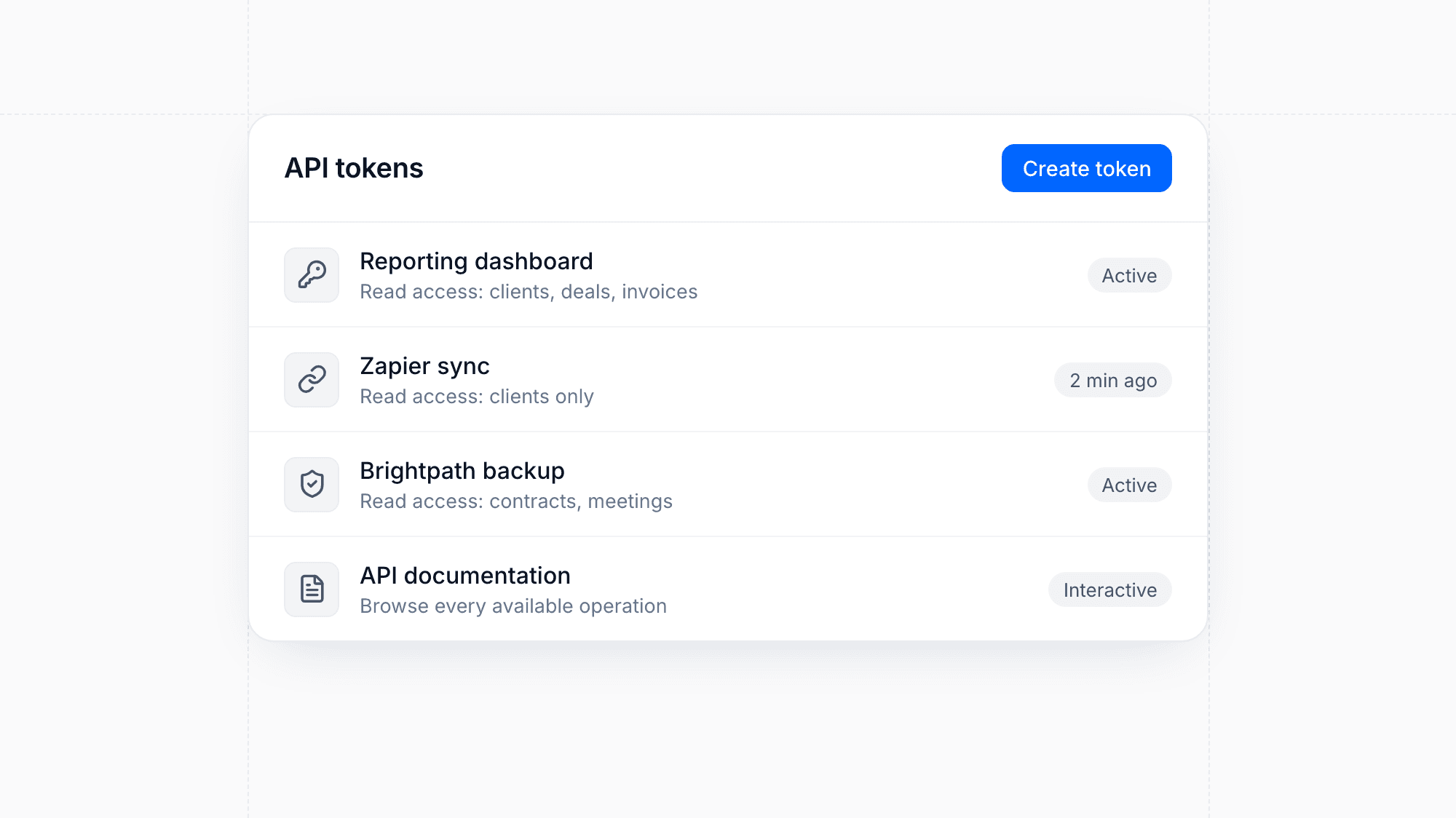
You can now create and manage API tokens in your integrations settings to connect your own tools to moreflow. Each token is limited to the access you grant, so external systems can read your moreflow data without broader permissions. Interactive API documentation describes every available operation, making it easier to build and maintain your connections.

Design

Redesigned Mobile Experience with Bottom Navigation

moreflow on your phone now has a bottom navigation bar, so your most important areas are always one tap away. The rest of the mobile layout has been reworked to match.

Dashboard widgets like the calendar and recent transactions now fit small screens. Global search stays open while you type, the transactions date filter fits the screen, and automation flows can now be built and edited comfortably on mobile.

Enhancement

Test Automations Before Publishing

moreflow now simulates your automation before you publish it, so configuration problems surface before any real contact is affected. Failed steps are retried reliably, and cancelled runs now stay cancelled. Triggers for received chargebacks and refunded payments are also properly labeled in every language.

Verified Contract Signing with One-Time Codes
Feature

Verified Contract Signing with One-Time Codes

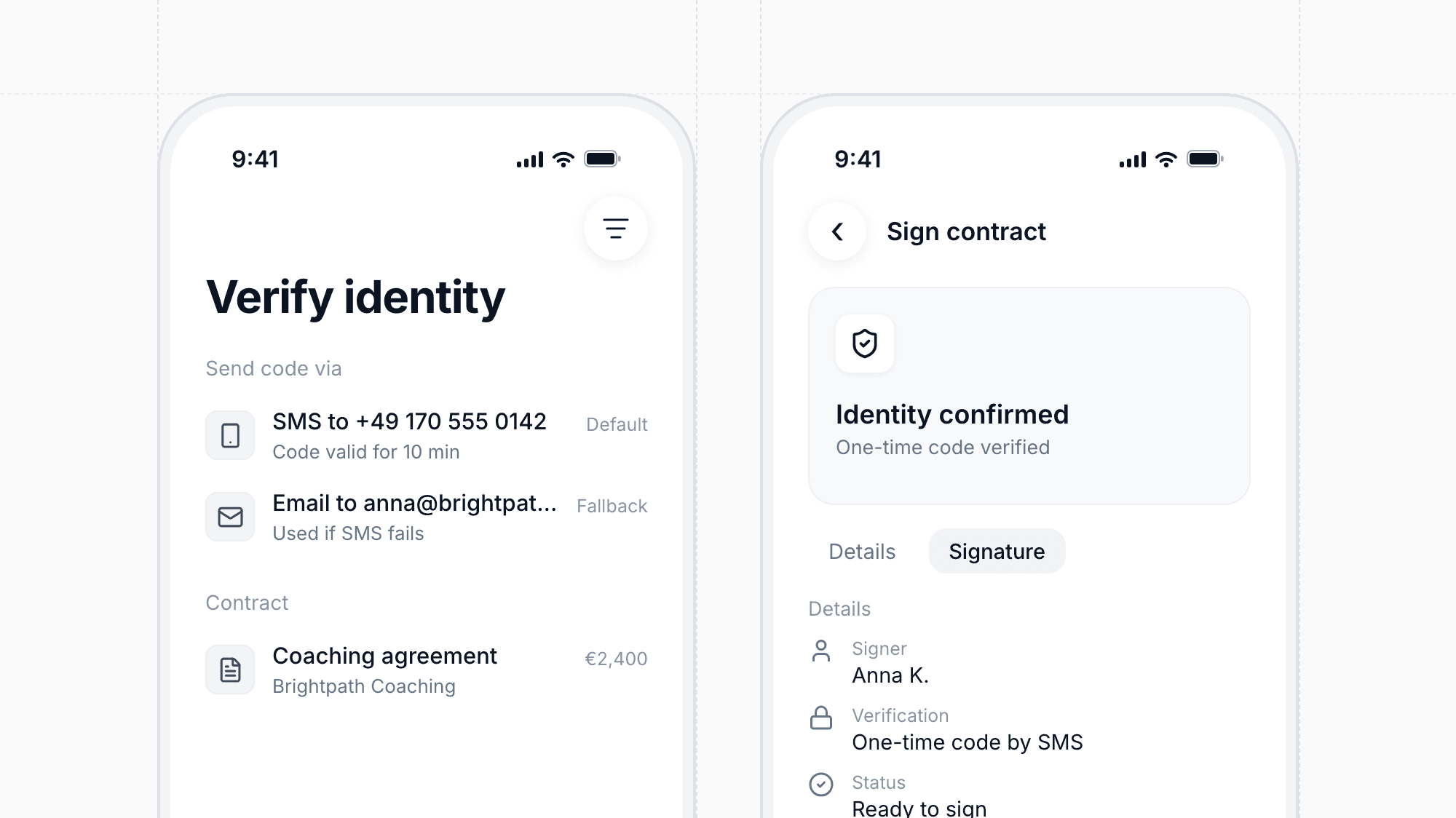
Contract signing in moreflow now meets the eIDAS requirements for simple and advanced electronic signatures. Before signing, recipients confirm their identity with a one-time code sent by SMS or email. If a code can't be delivered by SMS, for example to a landline number, moreflow sends it by email instead.

Enhancement

Redesigned Contract Template Editor

The contract template editor has a cleaner layout with a fixed toolbar that stays in view while you write. Variables now appear as distinct elements in your text, and autocomplete suggests them as you type. Templates generated with AI use the same variables, so they are filled in correctly when you send a contract.

Marketing Attribution with ROAS
Feature

Marketing Attribution with ROAS

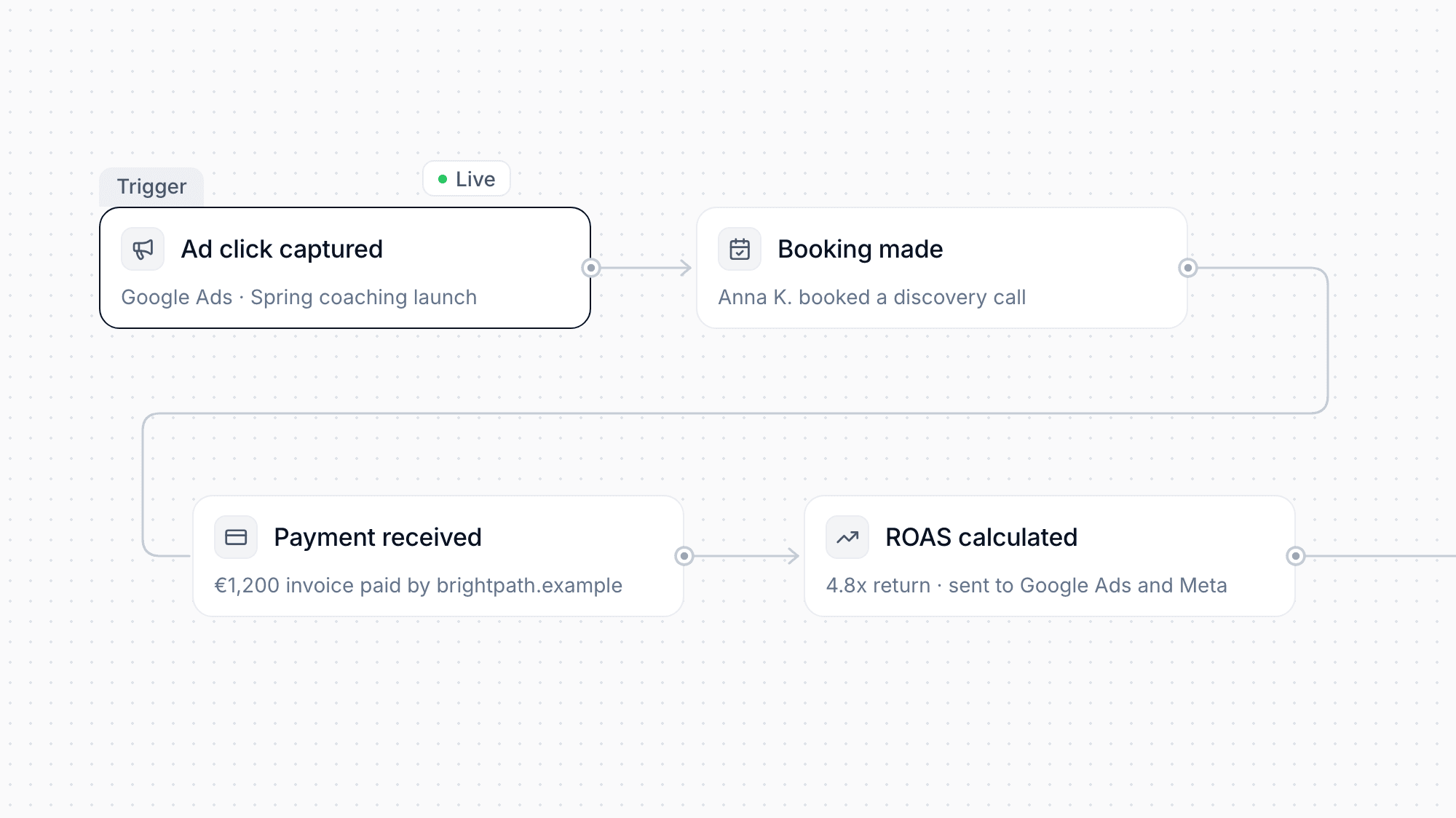
See which campaigns, ad groups, and Google Ads keywords actually bring in revenue, with return on ad spend calculated for you. Longer date ranges are grouped by month for a clearer chart.

moreflow now also sends later conversion events, such as bookings and payments, back to Google Ads and Meta, so your ad platforms can optimize for real results.

New Automation Triggers and Contract Actions
Feature

New Automation Triggers and Contract Actions

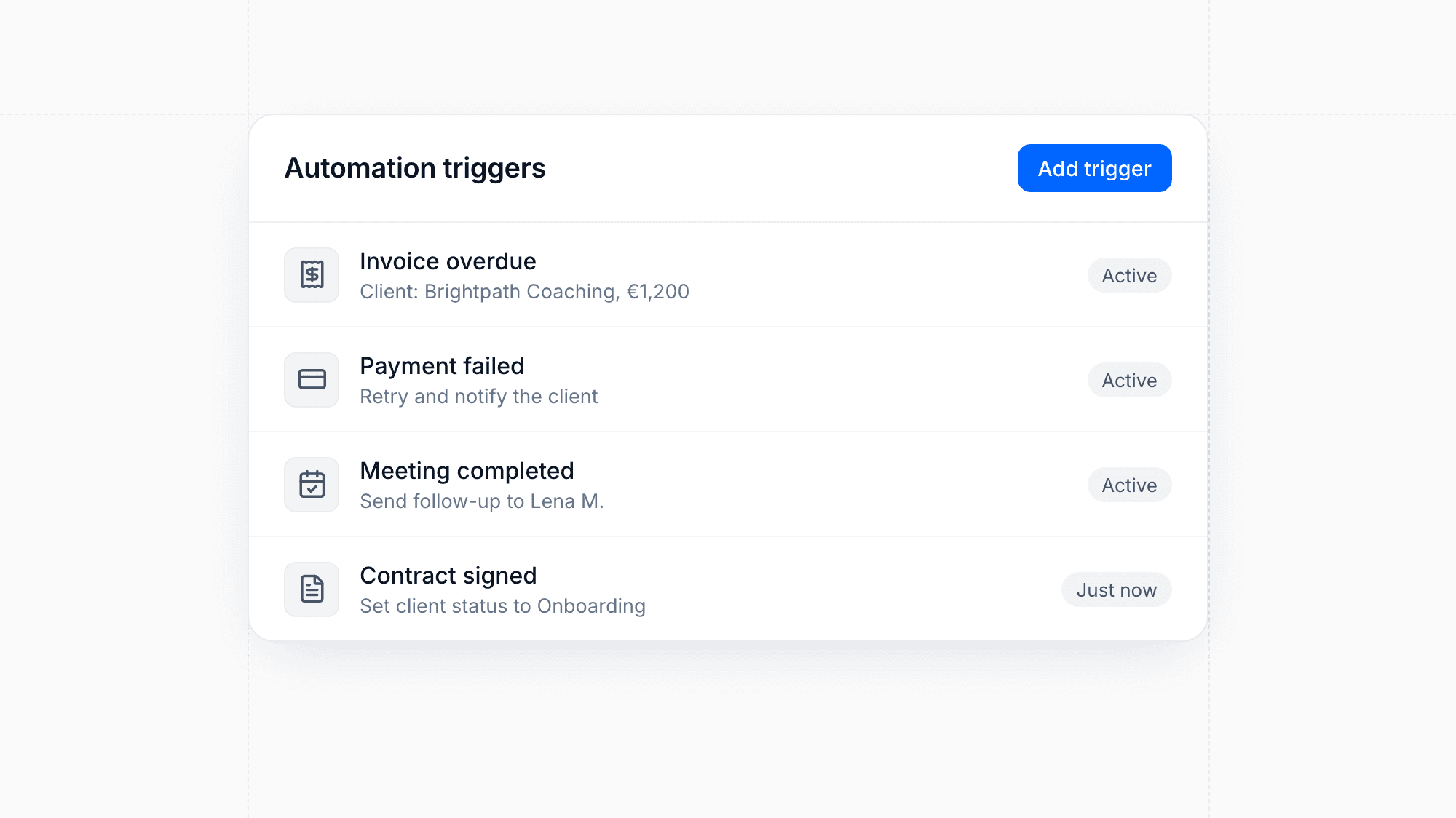
Automations can now react to overdue invoices, failed payments, completed meetings, client status changes, and contracts being sent, opened, or signed. New actions let you change a client's status, create clients, and send a contract automatically.

You can also create tags right inside a trigger, and deleting a trigger now asks for confirmation and cleans up the variables it used.

Enhancement

Smarter Meeting Booking and Reminders

Your booking calendar now shows which days actually have free slots, and shared calendars can be included in conflict checks. You can customize meeting confirmation emails and send follow-up reminders before an appointment.

Product Bundles and Digital Downloads
Feature

Product Bundles and Digital Downloads

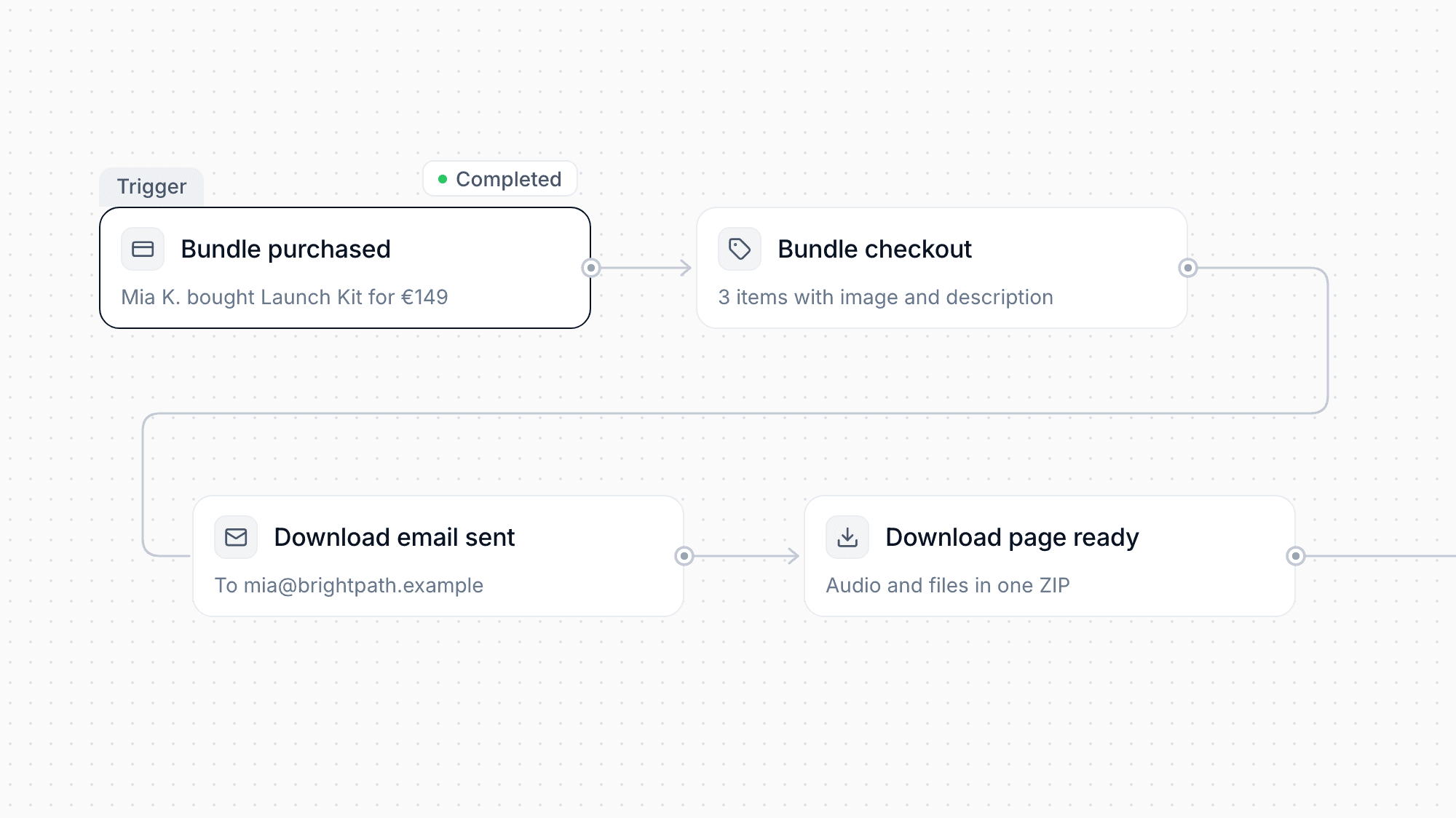
Combine several products into a bundle with its own checkout page that shows each included item with image and description. Digital products now support audio files, and buyers automatically receive an email with a download page where they can grab everything as one ZIP.

Your public products page shows your logo and product images, and product links can be edited to clean, readable addresses.

Enhancement

Client Portal Document Improvements

Hide individual files or entire folders from clients right when you upload them, and see at a glance which files clients uploaded themselves. Clients get a simple wizard to combine several uploads into one PDF, with files up to 100 MB. After logging in, they now return to the page they were trying to open.

Enhancement

Faster Client and Invoice Workflows

A new quick actions panel on the client page lets you reach common tasks in one click, and the activity timeline can be filtered and scrolls through the full history, including tag changes. Your dashboard highlights overdue payments, and you can export several invoices at once as a ZIP. Products and contract templates can now be duplicated.

Enhancement

Better Email Campaigns and Sending Domains

Pause and resume campaigns while they are sending, send yourself a test first, and give recipients a working unsubscribe link. Each sending domain now has its own page with DNS records, verification status, tracking switches, and region selection. In automations, you can choose which domain an email is sent from.

Enhancement

Chatbot Handoff with Business Hours

Set the hours when your team is available to take over chatbot conversations. Visitors see your business hours, and handoff requests outside those times are queued instead of left unanswered. Your chatbot knowledge base can now also learn from Markdown and plain text links.

Telegram Conversations in Your CRM
Feature

Telegram Conversations in Your CRM

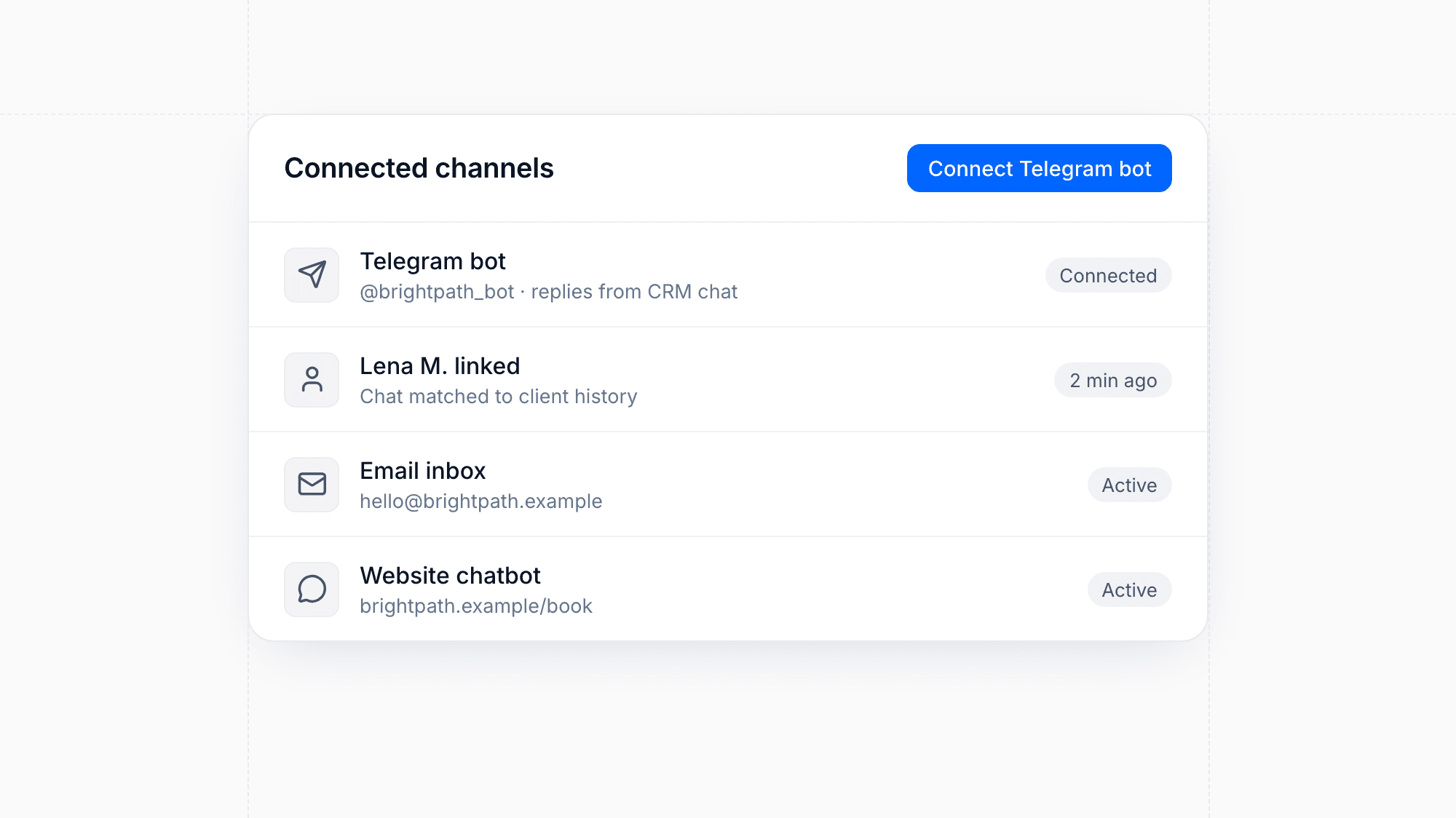
Connect a Telegram bot to moreflow and reply to messages directly from the CRM chat, next to your other channels. Incoming chats are linked to the matching client, so every conversation stays part of their history. Disconnecting the bot cleanly stops new messages from arriving.

Enhancement

More Reliable Automation Builder

The automation builder is now available in your language and saves your changes more reliably. Adding and removing filter steps works more smoothly, and steps are checked for missing settings so problems surface before a workflow goes live.

Enhancement

Faster Uploads and Easier Installment Entry

Multiple files now upload at the same time, so adding several attachments takes less waiting. Entering installment plans is also simpler, with clearer input fields for amounts and dates.

Design

Redesigned Transactions with Key Metrics

The transactions page has a new layout with a metrics overview at the top. You can see your most important payment figures at a glance before going through individual transactions.

Send Unpaid Invoices to Paywise
Feature

Send Unpaid Invoices to Paywise

Automations can now create a Paywise claim for you. When an invoice stays unpaid, your workflow can hand it over to collection automatically, so you no longer need to transfer the details by hand.

Outlook Calendar Integration
Feature

Outlook Calendar Integration

Connect your Outlook calendar to moreflow alongside Google Calendar. Your availability syncs automatically, so prospects always see your real-time schedule when booking meetings—no matter which calendar you prefer.

Meta Conversion Tracking
Feature

Meta Conversion Tracking

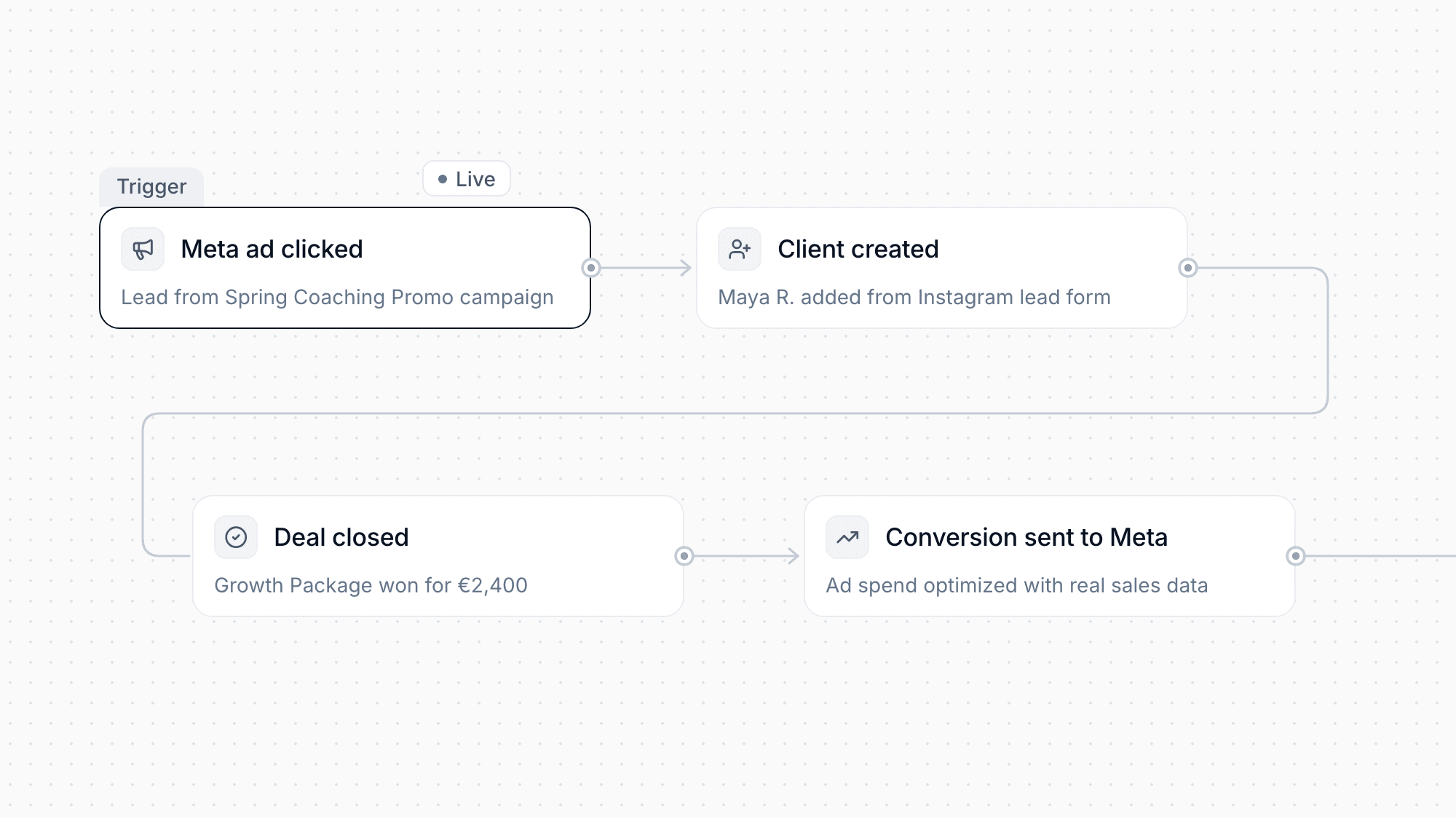
Connect your Meta (Facebook & Instagram) advertising campaigns directly to moreflow. Track conversions from ad click to closed deal, optimize your ad spend with real sales data, and build powerful custom audiences based on your CRM data.

WhatsApp Integration
Feature

WhatsApp Integration

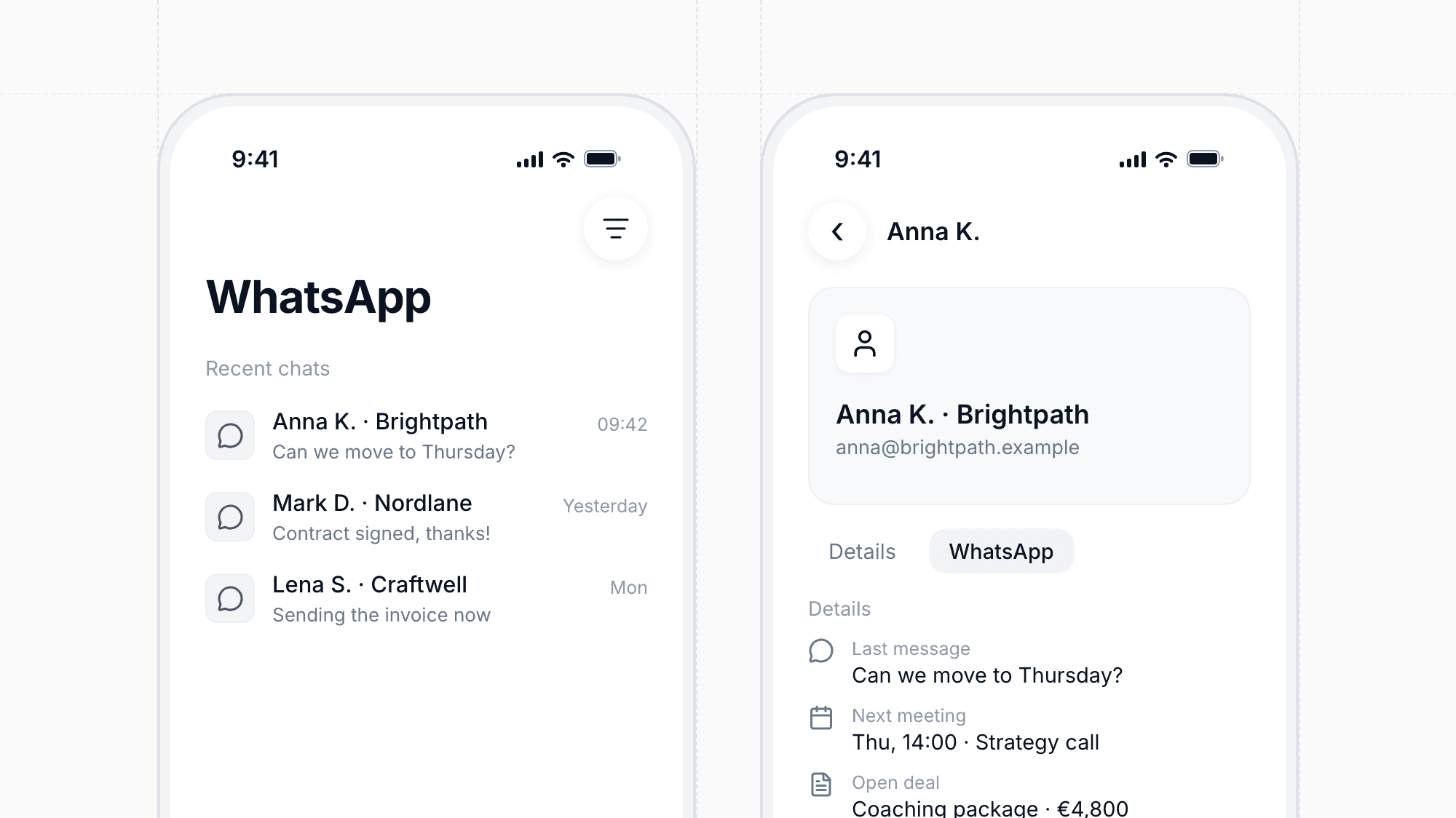
Communicate with your leads and customers directly through WhatsApp. Send messages, receive replies, and keep your entire conversation history organized within moreflow. Perfect for teams who want to meet their customers where they already are.

Chatbots
Feature

Chatbots

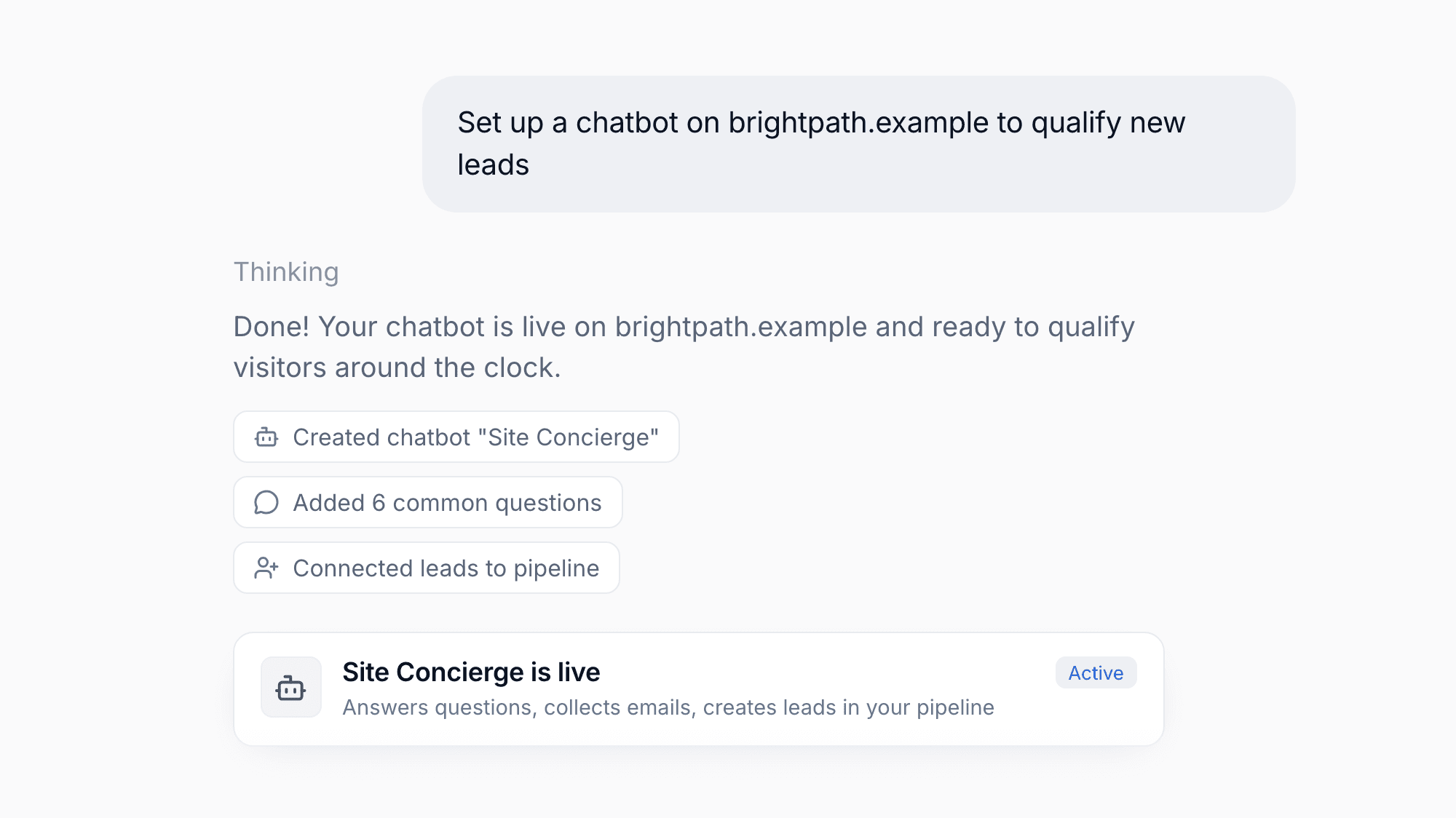
Deploy intelligent chatbots on your website to qualify leads 24/7. Our chatbots can answer common questions, collect contact information, and automatically create new leads in your pipeline—all while you focus on closing deals.

Changelog — moreflow